V2Deadlock Mod Manager 2.0
Rebuilt from the ground up
V2 repairs mods that a game update broke and warns you when two of them change the same files. If the game crashes on launch, it shows you what changed. The Mods Store now searches a copy of GameBanana on your PC.
Mod health
Bring old mods back to life
Every Deadlock patch breaks some mods. V2 checks each mod you have installed against the game on your PC and repairs what it can verify for the current patch, including mods that stopped working long ago. It never touches your mod files.
- Runs after you install or change a mod and after every game update, for enabled and disabled mods
- Fix every mod from the banner in Mods Library, one from its page or right-click menu, or let launch fix them for you
- Fixes live in a separate layer, so Use original files puts any mod back the way its author released it
- Everything runs on your PC, and your choices are saved per profile
Deadlock updated. 3 of your mods were made for an older version and can be fixed automatically.
 Can be fixedMade for an older Deadlock version. These parts can be fixed automatically.
- Camera and aim
- Animations and movement
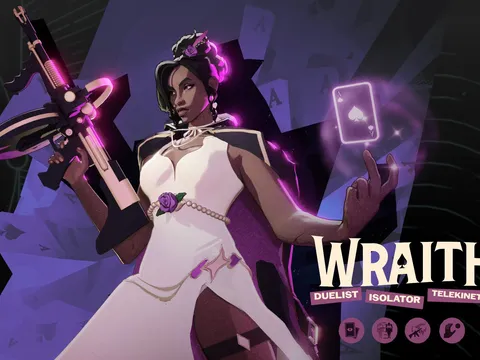
Formal Wraith
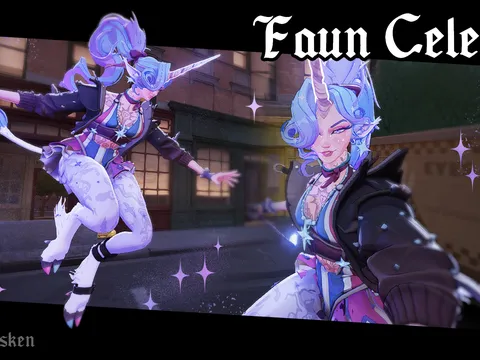
Faun Celeste (QUALITY UPDATE)
 Can be fixedMade for an older Deadlock version. These parts can be fixed automatically.
- Camera and aim
- Animations and movement
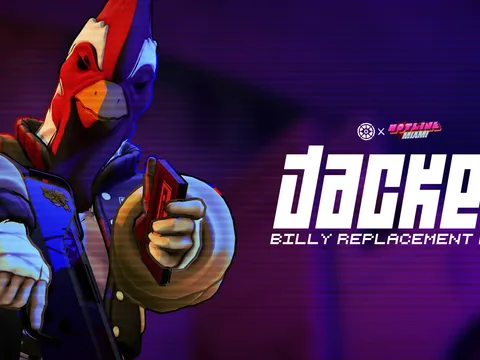
Jacket (Billy Overhaul)
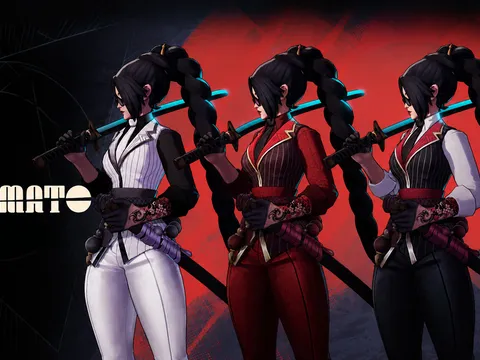
Yamato remodel
 Can be fixedMade for an older Deadlock version. These parts can be fixed automatically.
- Camera and aim
- Animations and movement
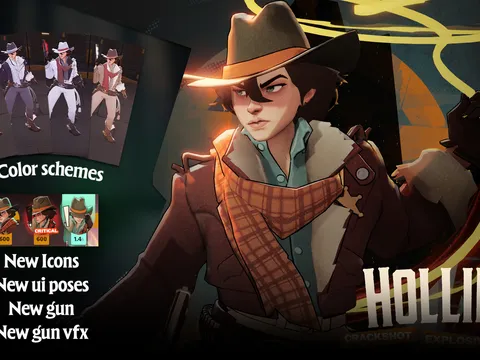
Holliday Remodel
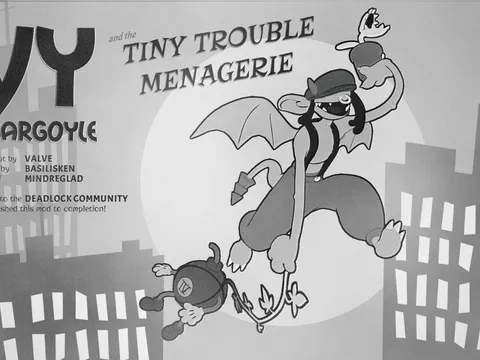
Toon Ivy (SOUL ORB FIX)
What it repairs
- Camera and aim
- Moves the camera and aim points on older hero skins to where the current game expects them.
- Animations and movement
- Repairs animation bindings, so heroes don't slide, freeze or skip animations.
- Colors and textures
- Fixes materials that no longer match the game and show up as wrong colors.
- Model
- Points models to where the game looks for them now, so your skin shows instead of the default.
- Abilities, stats and text
- Merges ability, stat and text changes when several mods edit the same game data.
It can't catch every problem. Mods with custom rigs or custom animations may still need an update from their author.
Got a mod you gave up on?
Install it and see what the check finds. If it still doesn't work after fixing, send it to us so we can teach the check to fix it.
Game updates
Your mods survive patch day
While the app is open, it notices when a Steam update or another tool rewrites gameinfo.gi, tells you how many enabled mods stopped loading, and re-applies them in one click.
- A new addon folder layout lifts the old 99-file limit
- Valve's latest patch notes on your Dashboard
- Mod changes are blocked while Deadlock is running, unless you turn that off
- Optional: go back to vanilla when the game closes, so launching from Steam starts it without mods
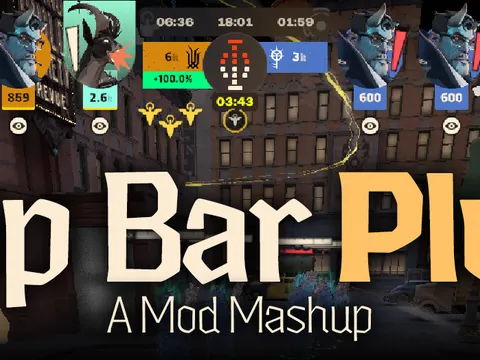
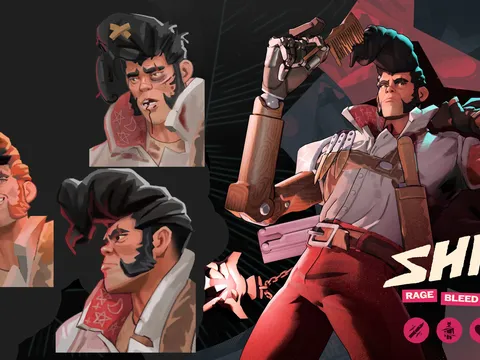
Mods Store
GameBanana's Deadlock catalog, on your PC
V2 keeps a copy of the GameBanana catalog on your PC, so browsing and searching don't wait on the network. It checks for new and updated mods when you start the app, then about every 30 minutes while it's open.
- Separate tabs for Mods, Sounds, Collections and WiPs
- Mod pages with Overview, Changelog, Comments and Files tabs
- Author profiles with the mods each author has published
- Skip an update until the author publishes a newer one
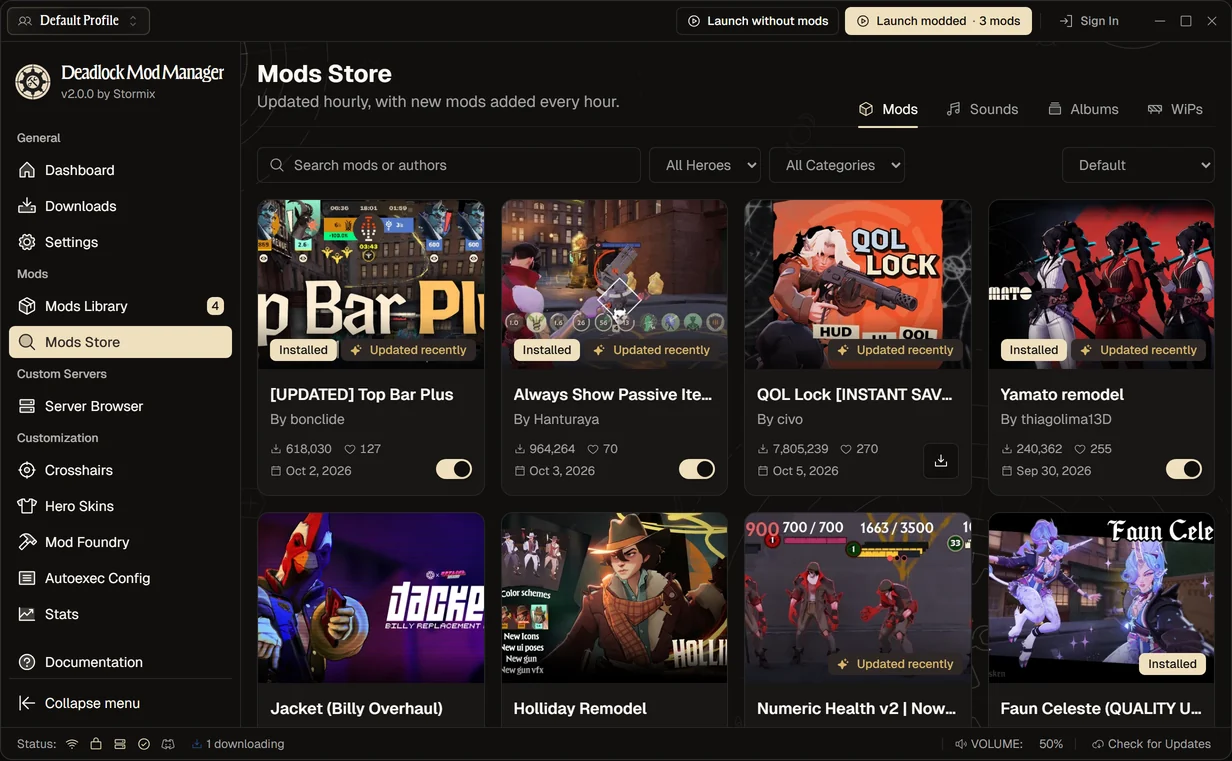
Mod groups
Sort your library into groups
Put the mods in My Mods into groups, like the skins you main or the ones you're trying out. Each group shows covers of its mods and how many are on, and turns the whole set on or off in one click.
- Drag mods onto a group, or pick several and use Move to group
- Undo a move from the notification
- Groups are saved per profile, and you can copy them to another profile
- Groups only organize your library, so load order stays as it is
- Yamato remodelEnabled
- Formal WraithEnabled
- Toon Ivy (SOUL ORB FIX)Disabled
- Holliday RemodelDisabled
- Jacket (Billy Overhaul)Disabled
Conflicts
Know when mods clash
A Conflicts tab in My Mods shows which enabled mods change the same files, and which one the game uses.
- Press Load first on the mod you want to see
- A Model hidden badge on skins another mod covers up
- Ignore overlaps you're happy with, per profile
Same model in 2 mods
- Yamato remodelUsed in game
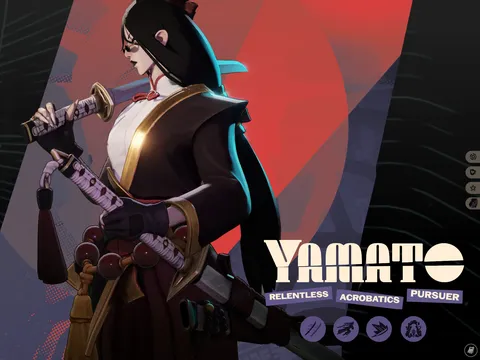 Yamato redesign (NEW ICONS and COLORS!)Skipped
Crash check
Find out what broke the game
If Deadlock closes abnormally within five minutes of starting, the app asks whether it just crashed and lists everything that changed since your last normal session, with a way to undo each change.
- Covers new and updated mods, autoexec.cfg, launch options and files in your addons folder
- Disable the new mods, or open your autoexec and launch options, from the same dialog
- Says so when Deadlock itself updated, since a patch can cause crashes on its own
- Works when you start the game from Steam too, as long as the app is open
Did Deadlock just crash?
It closed 1 minute after starting and left a crash report. One of these recent changes may be the cause.
Changed since your last normal session
- 2 mods added: Formal Wraith and Vyper Propeller Hat12 minutes ago
- Shiv Refresh (CITY NEVER SLEEPS) updatedYesterday
- Launch options changedAdded -novid
Change one thing at a time and launch again. That's the quickest way to find what's causing it.
Try it: press Disable both.
Find a broken mod
Track down the mod that breaks the game
When something breaks and you can't tell which mod did it, the app turns your mods off in rounds. You launch, say whether the problem is still there, and each answer rules out a share of the rest.
- One bad mod takes at most 6 launches with 12 mods, and 9 with 100
- Finds two mods that only break the game together
- With the crash check on, a crash answers the round for you
- Puts every mod back in its original load order when you're done, with the culprit off if you want
Finding the broken mod
Round 18 suspects left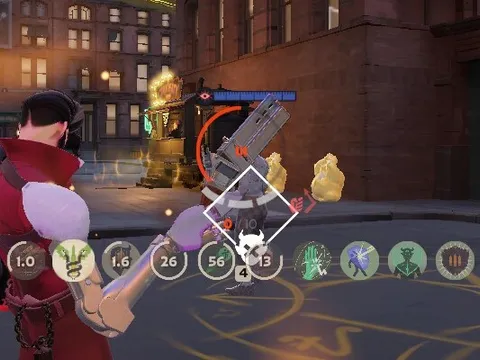
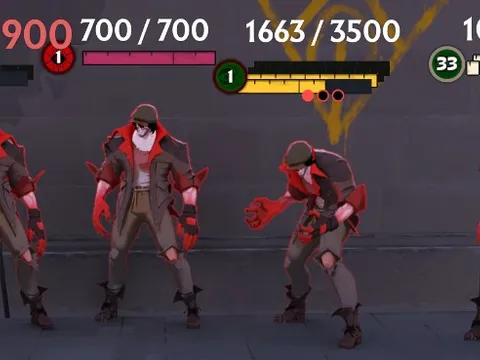
Try it: launch, look at the game, then answer.
Performance
More frames, your way
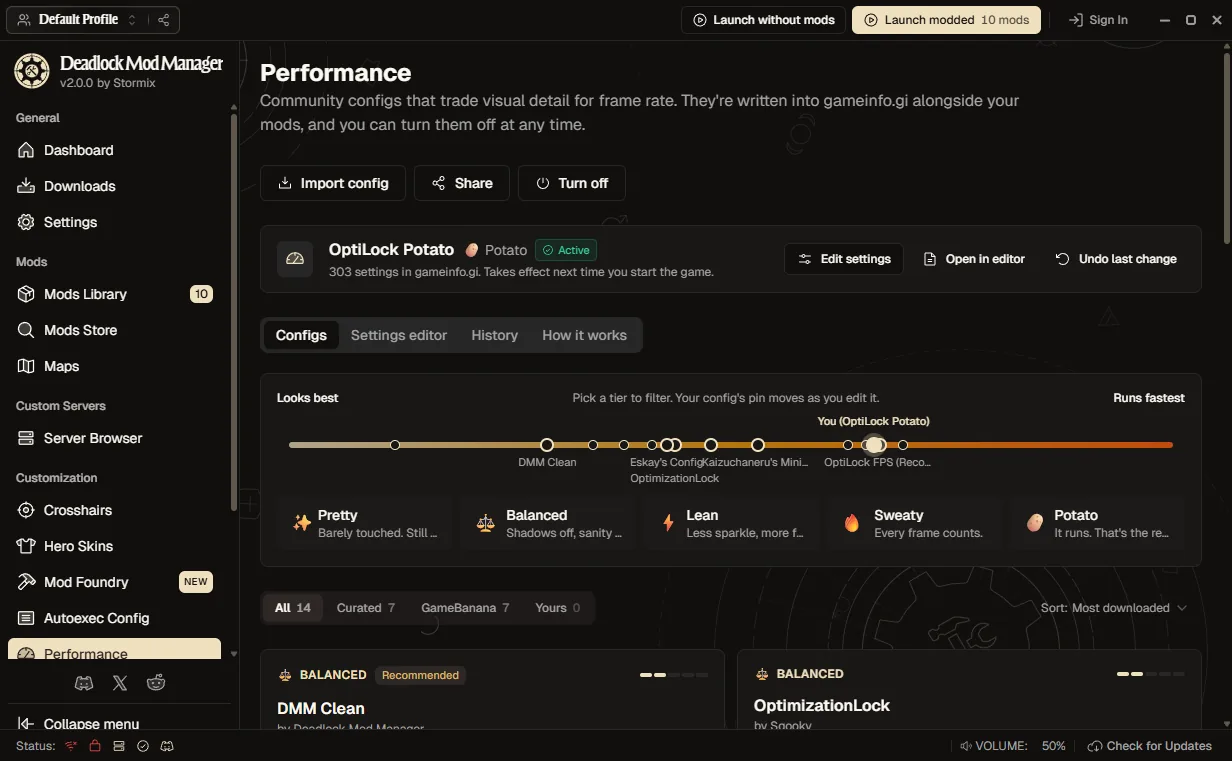
Experimental: apply a community gameinfo.gi config that trades visual detail for frame rate, from barely touched to potato. The manager writes it next to your mods, puts it back after game updates, and turns it off cleanly when you're done. Turn it on in Settings → Experimental.
- Curated presets from Sqooky, dacooderr and others, plus configs from GameBanana
- Change any setting a config touches, with the game's default shown beside it
- Settings Deadlock no longer reads are left out, and you see why before anything is written
- Import a pasted config, file or GameBanana link, and share yours as a code
Themes
Make it yours
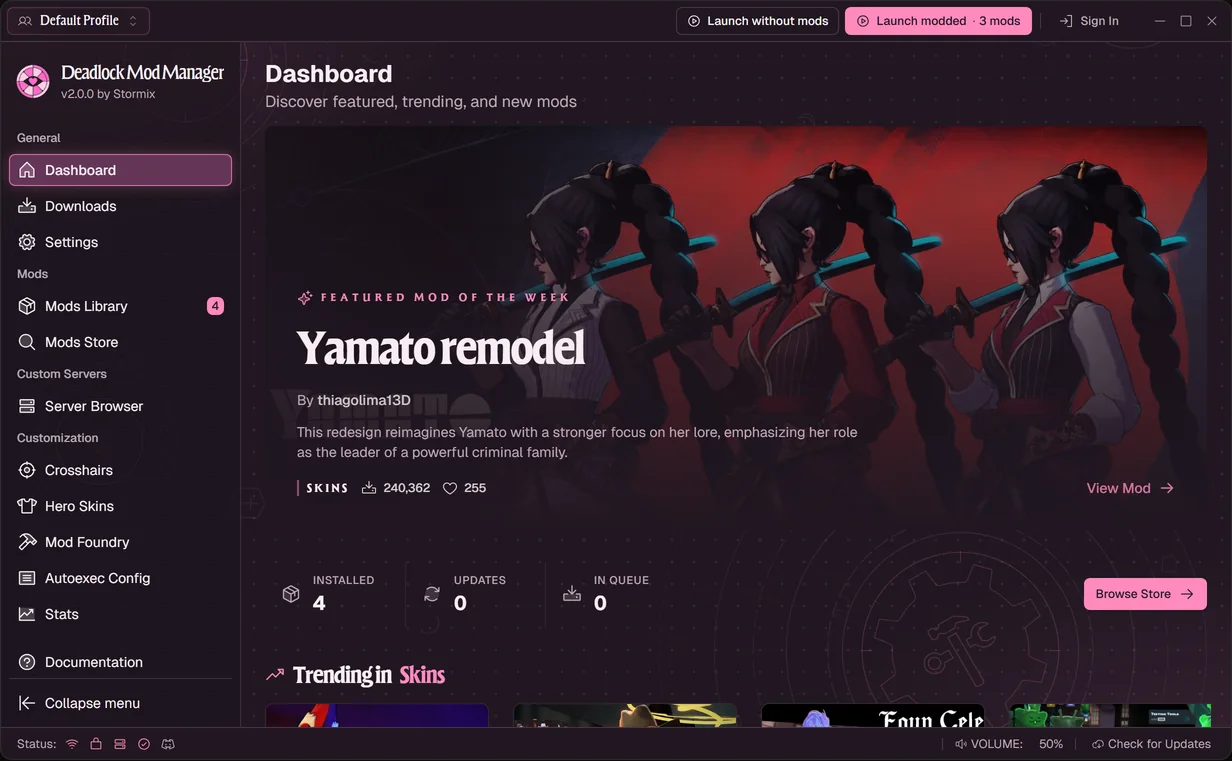
V2 adds OLED, Lovelock and Gridline themes. Around five holidays a year, the app also switches to a seasonal theme with something hidden to find, unless you have picked a theme of your own.
- Halloween
October 1 to November 1
Pumpkin orange on midnight purple, a full moon, drifting fog, rising embers and the odd colony of bats.
- Christmas
December 1 to December 26
Firelight, cinnamon and candle gold under softly falling snow, with an advent calendar and treats hidden around the app.
- New Year's Eve
December 27 to January 1
Midnight blue and champagne gold with fireworks over the skyline and a live countdown to midnight.
- Lunar New Year
Three weeks before Lunar New Year until the Lantern Festival
Lacquer red and gold with paper lanterns rising into the night and red envelopes to catch, through to the Lantern Festival.
- Easter
30 days before Easter Sunday until Easter Monday
A spring meadow at dusk: chick yellow, blossom pink and fresh green, petals in the air and eggs hidden around the screen.
Everything else in V2
- Mod Foundry
- Import a hero skin, recolor it, swap its cards and sounds, and export it as a mod.
- Stats
- Hero, item and teammate breakdowns, match history with item timelines, and live ranks for your current match (with the -condebug launch option). Rearrange, resize, add or remove widgets and tabs, and filter by ranked, unranked or a start date.
- Hero Skins
- Every skin for a hero on one page, with a 3D preview. With the skin randomizer on, each launch picks a random skin from the ones you chose.
- Library sorting
- Sort My Mods by install order, hero, name or when you added them.
- Launch progress
- See each step while Deadlock starts, from verifying your mods to opening Steam, and cancel the launch if you change your mind.
- Update badges
- Update available and recently updated badges on mod cards and details, now on disabled mods too.
- Coming from Grimoire?
- Import its mods, profiles and crosshairs, or any mod-interchange file. Export works too.
- Mod updates
- Read a GameBanana mod's changelog before updating, and watch the download progress.
- Settings search
- Find any setting from the search box in the settings sidebar.
- New heroes
- Baba, Deadman Danny, Nurse Harrow, Rat King, Solomon and Violet are now recognized.
- 1-click installs
- Opt in to install mods straight from DeadlockForge. Each install asks first.
- Server Browser
- Browse Deadworks community servers and get their maps and addons before you join.
Coming from V1?
Install V2 like any update
Your mods, profiles and settings carry over.Profiles move to the new layout
The first time you use a profile, its mods move to the new addon folder layout by themselves.Something look off?
In Settings → Tools, Repair mod folder sets aside files the app didn't install and rebuilds its list of your mods without deleting anything. Diagnose connection checks every service the app relies on. If the app and your game folder are still out of sync, Nuke & Reinstall wipes your mods and downloads them again. Still stuck? Ask on Discord.
62 Bugs squashed since V1
Fix commits to the app since V1. The ones that made the release notes are listed here, and the full changelog has everything else.
- Fix the What's New heading for releases without translated notes
- Fix local mod names showing internal IDs and recover saved names
- Fix Linux CEF crashes when opening file and folder dialogs
- Fix switching to profiles whose names contain non-English letters
- Fix updates installing mod variants that were never selected
- Fix library rendering, consent, downloads, update checks and profile labels
- Fix fixed mods losing their repairs after other library changes
- Fix modded launch failing when a mod file cannot be read
- Fix Steam launch warnings when match sync is still fetching matches
- Fix mods that ship older copies of game data or text
- Fix duplicate and missing heroes in the Discord Rich Presence hero picker
- Fix game launches on Linux when Steam is installed as a Flatpak or Snap
- Fix silent footsteps and movement sounds on older hero skins
- Fix Linux GPU detection and preserve explicit compatibility settings
- Fix adjusted and missing camera points on older hero skins
- Fix Linux updates for Flatpak, Debian, RPM, and CEF installations
- Fix access-denied errors when combining shared mod changes on Windows.
- Fix mod updates failing with "GameBanana file was not found" after an author replaces their files
- Fix variants that share a VPK filename overwriting each other when installed
- Fix re-enabling a file after a mod update restoring its pre-update copy
- Fix gap where no Back button is visible while scrolling a mod page
- Fix enabling a GameBanana mod file that was not installed yet, which failed with "Download URL scheme must be http or https"
- Fix profile imports failing with "no VPKs found" while mods still extract
- Fix gameinfo resets and offer to make read-only mod files writable
- Fix failed update checks incorrectly reporting the latest version
- Fix mod updates dropping newly added or renamed VPK files
- Fix updating a mod to a variant you had not installed before failing with "No VPKs matched the update selection"
- Fix Skip for Now not advancing setup past existing mods
- Fix catalog sync after upgrading older development databases
- Fix lost imports and stale VPK ownership after Grimoire moves files
- Fix updates failing for mods whose author archived older files: the update dialog now marks archived files as outdated, selects only current files by default, and explains why one file must stay selected
- Fix detected mods showing their installed archives as needing download
- Fix native Steam game detection on Linux alongside leftover Flatpak installs
- Fix zoom in and zoom out so the app keeps filling the window instead of shrinking into the corner.
- Fix Discord presence showing Street Brawl as a bot match with a 6-player party.
- Fix download progress and speed jumping around, and never reaching 100%
- Fix hero filters in the Mods Store returning nothing. Mod details such as heroes, download counts, and descriptions now load for the whole catalog, sound previews play from the store, and update badges show when a mod has new files. NSFW blurring now matches what GameBanana hides, and the catalog no longer drops mods that move between pages while it syncs.
- Fix localized hero name art (e.g. Korean) showing as plain text when mods are enabled by writing the current `Game_UILanguage` and `Game_LowViolence` search paths to gameinfo.gi
- Fix the Nix package failing to start when launched with `--disable-auto-update`
- Fix mod update checks failing after a restart because saved install dates were read back as text
- Fix CEF builds after Tauri moved the CEF runtime into its own crate, and read the hardware ID without the machine-uid plugin. The CEF Flatpak starts again, and the CEF `.deb` now declares the NSS, GBM, ALSA and xkbcommon-x11 libraries it needs.
- Fix custom crosshairs in Steam account settings and restore them when disabled
- Fix enabled mod counts and profile mod names
- Fix direct GameBanana downloads, catalog recovery, and policy metadata.
- Fix Flatpak startup crashes on Wayland compositors
- Fix buttons showing a spinner next to their icon while loading
- Fix addon backups being modified while being validated, and reject mod IDs containing path separators
- Fix themes turning off permanently when the Background plugin is enabled
- Fix server content progress showing "0.00 B" while unpacking maps and addons
- Fix hidden NSFW mods appearing on the dashboard
- Fix older saves overwriting recent mod installation and download state
- Fix a security issue where a malicious mod archive could write files outside the extraction folder. Archives whose entries use absolute paths or `..` segments are now rejected instead of installed.
- Fix VPK state drift during deletes, batch updates, profile switches, and restore
- Fix hero mod swaps from the mod store not applying
Thank you
To the 20,000+ members of our Discord, for every bug report and suggestion.