- Reduce updater log spam while keeping download totals and failure details
- Install imported profile mods in the load order the sharer set
- Speed up compatibility checks and explain mixed skin animation dependencies
- Stop addon analysis from listing leftover files in profile subfolders
- Keep compatibility repairs current after library changes, report stale fixes accurately, and reuse unchanged data to speed up rebuilds and launches.
- Show the addon review list whenever analysis reports an error
- Keep a running download from being marked failed when it is requested again
- Keep the active profile loaded in game after enabling a mod
- Back up an unreadable settings file and explain why settings were reset
- Keep the library responsive while the repair package rebuilds
- Keep variant file names attached to the right files after repairing a mod folder
- Show each download error once when several files of a mod fail the same way
- Keep both skins when one mod is made to go on top of another
- Improve app responsiveness and cut idle GPU use from the animated background
- Starting Deadlock with match sync on no longer shows Steam's "logged in on another computer" prompt.
- Turn match data sharing off by default and only start it after the user consents
- Update mod animation skeletons when the game adds bones
- Check installed mods against the current game after installs and game updates, badge mods made for an older version, and fix them from the library or before launch without the experimental flag. Mod files are never changed, and any mod can go back to its original files
- Smoke test Wry and CEF Flatpak bundles before publishing releases
- Cancel a launch from the launch overlay or the toolbar instead of waiting up to three minutes for Deadlock to start
- Use packaged protocol associations for Flatpak deep links
- Read the live GameBanana file list in Manage files, show download progress while applying, and show the real error when a file cannot be fetched
- Open Manage files for mods that ship several VPKs, so their files can be turned on and off from the library as well as the mod page, alongside variants
- Keep the new install date for every mod after a batch update, so updated mods stop showing as outdated
- Align Settings switches across rows and window sizes; titles no longer toggle
- Reinstalling a mod whose files were deleted outside the app now installs it again instead of leaving it only downloaded
- Close the variant picker on backdrop click instead of opening the mod page.
- Stop crashing when adding large local mods (up to about 1 GB), whether dropped or chosen in the file picker.
- Show the read-only file prompt again when installing over a read-only VPK
- Retrying a mod update right after it failed no longer fails with "Backup already exists"
- Keep the saved VPK selection when re-enabling a disabled mod
- Remove stale installed mods when their addons folder was wiped outside DMM
- Download cards now show the size of only the variants you downloaded.
- Check for missing mod files before a modded launch and offer to reinstall or disable the affected mods
- Preserve original addon filenames when identifying mods, including compatibility ownership checks.
- Keep load order when re-enabling mods in profiles with more than 99 mods.
- Open the Performance editor on changed settings and clarify settings the game ignores.
- Give confirmation dialogs an icon, more room for the message and a separate button row
- Mark Mod Foundry, Stats and Performance with a "New" badge in the sidebar until you open them
- Restore author profiles from Mods Library and preserve the return destination
- Open release notes on the website changelog instead of GitHub from What's New, the Dashboard, About and the splash screen
- Mod updates now remember the files they actually installed, delete their downloaded archives afterwards, and no longer leave a failed update stuck on "Extracting..."
- Preserve installed mods when enabling another mod after upgrading from V1
Avoid intermittent database lock failures when initializing the local mod catalog.
- Save the latest mod state before the app closes, so a mod enabled or installed just before closing keeps its status after a restart
- Show the Discord presence preview image from the app instead of loading it from Discord's CDN
- Remember the variant picked at download when enabling a mod
- Hide NSFW mods on author pages when Hide NSFW Content is enabled
- Restore installed mods a migrated library showed as unfinished downloads
- Preserve gameinfo.gi line endings when toggling mods or updating profile and server search paths.
- Update outdated mod warnings and filtering for the City Never Sleeps update.
- Only read Steam account configuration for match sync after consent is accepted and sync is enabled.
- Stop the Mods Store from rescanning your addons folder for every card that scrolls into view.
- Show download progress while updating mods, in the update dialog and on the Update buttons. The update dialog can now be closed while the update keeps running.
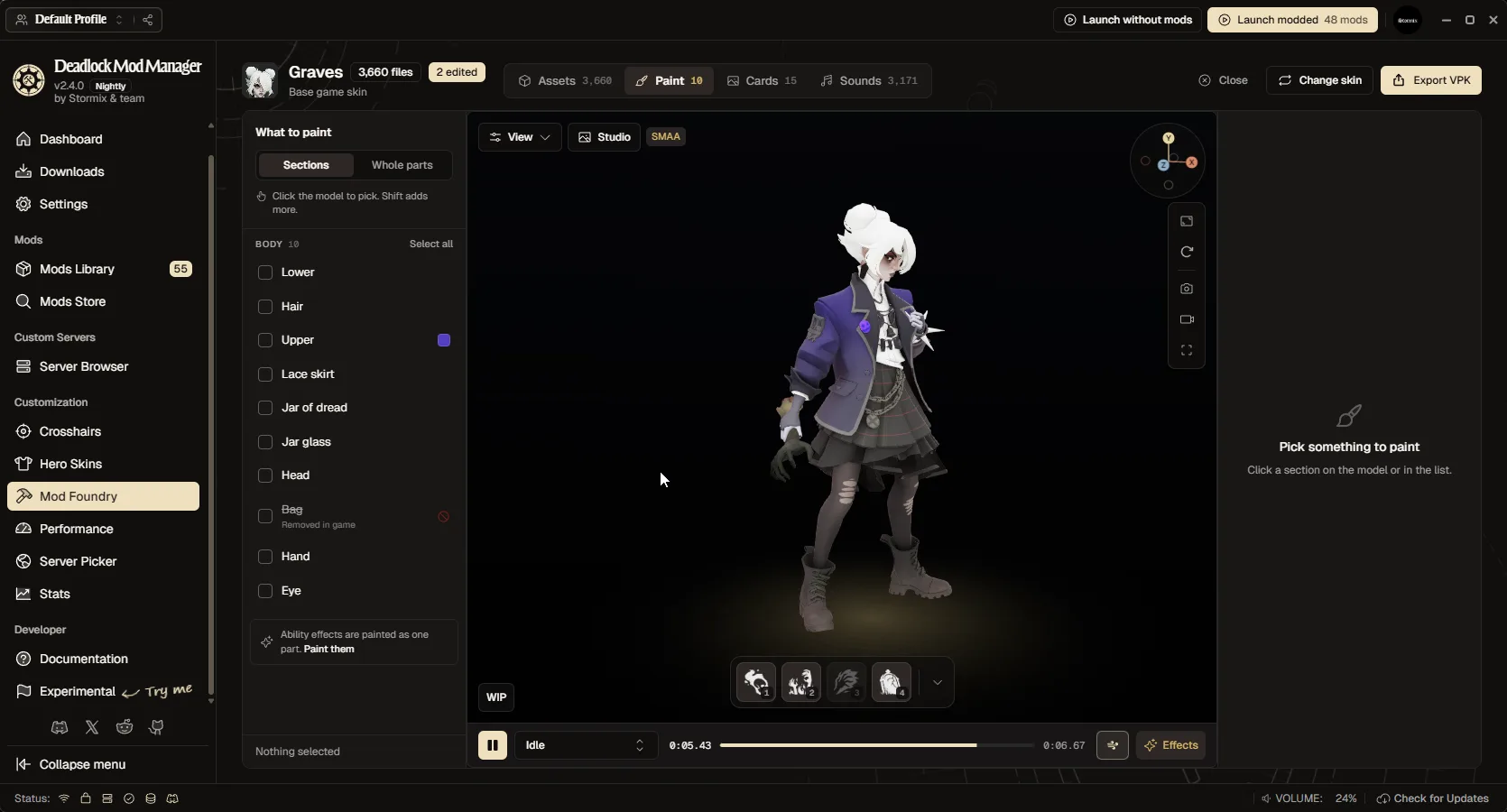
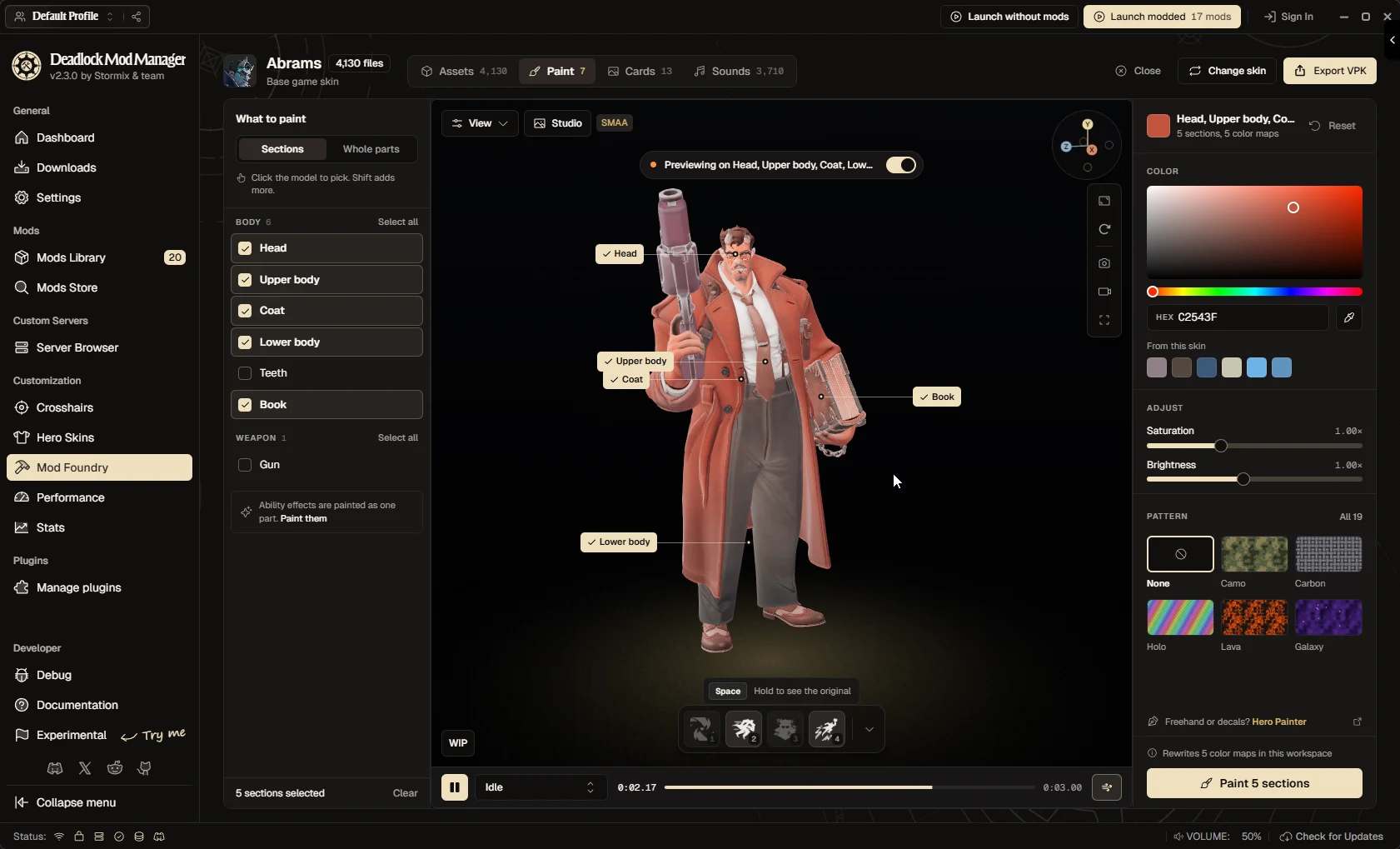
- Polish the Mod Foundry: solid entry cards, a cleaner skin import dialog, a pinned Paint button, a clearer toolbar, and no more lag selecting files or sounds in large skins
- Keep active downloads intact when the same mod is requested twice
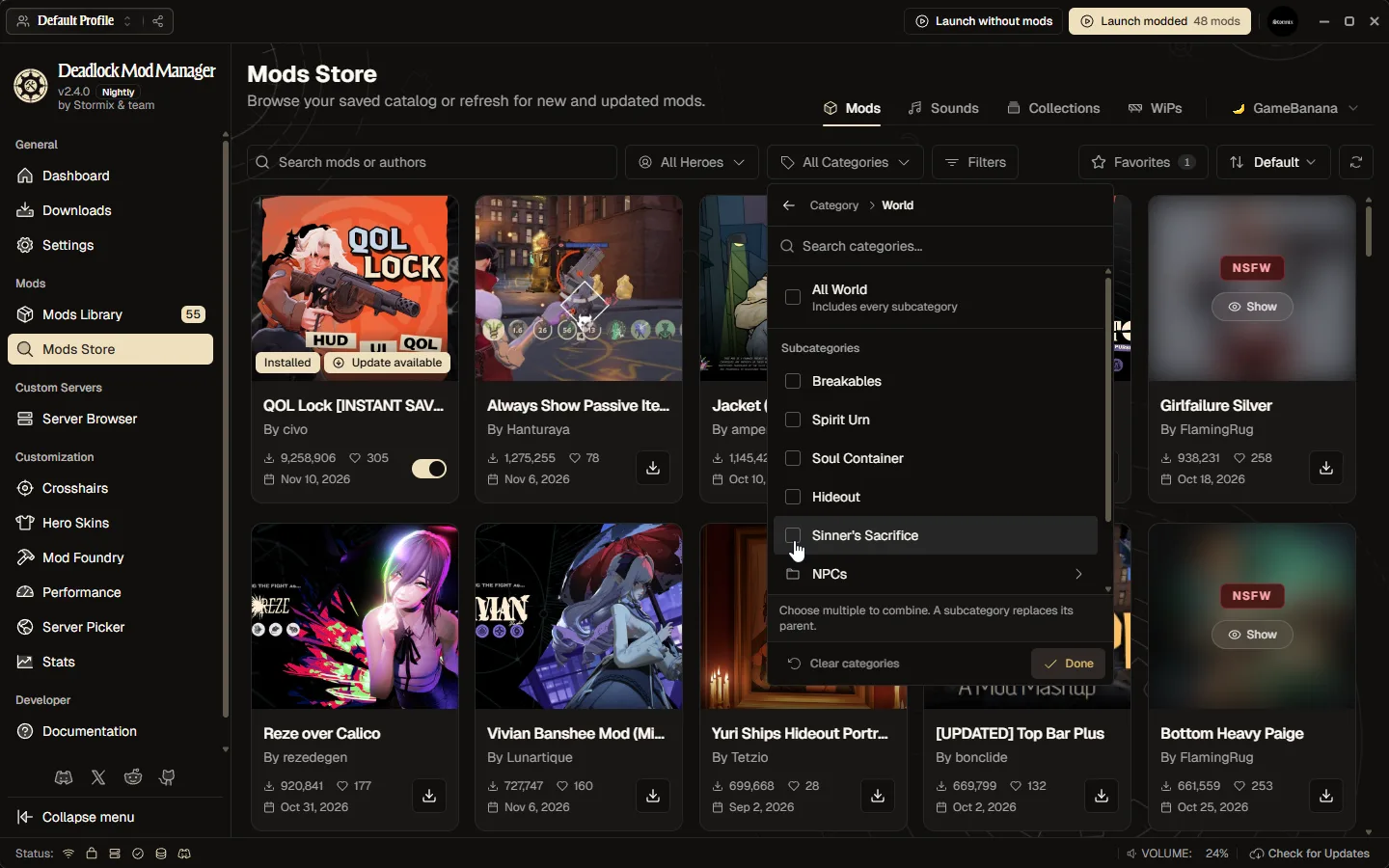
- Make the mod store, dashboard and search much faster: cards load small thumbnails, the store loads mods as you scroll, searches return in milliseconds, and browsing no longer uses up the GameBanana request limit needed for mod pages and downloads.
- Improve crosshair browsing with clear selection, previews, and visible actions.
- Improve Mod Foundry tabs with visible labels and clearer selection states.
Soften panel backgrounds to improve readability over theme artwork.
- Clean up saved match sync data for removed Steam accounts when match sync is enabled
- Report failed download lookups per mod instead of aborting the whole batch update or profile import
- Turn off the Background plugin when a theme is selected
- Process every selected archive when installing multi-file mods. Preserve selected variants and their exact file mappings when switching, re-enabling, and updating mods.
Report accurate file counts for multiple single-VPK downloads without an extra selection prompt, and cap direct variant downloads at 2 GiB.
- Install a Deadworks server's maps and addons before joining it
- Report Steam launch failures and confirm Deadlock starts after each request
- Respect remembered NSFW show/hide choices only when enabled
- Recover from stale VPK records instead of failing the mod load order save
- Show the active variant count next to a mod's file settings button
- Show mods whose addon files are missing as downloaded, not enabled
- Apply the global NSFW hide preference to the mod library, hero skins, assignment choices, and direct mod-detail links.
- Credit vpkmerge and ValveResourceFormat in Settings → About
- Show only selected VPKs in the mod page's installed files list.
- Join the server you clicked instead of landing in the hideout
- Keep server passwords out of logs and launch-option injection
- Preserve mod metadata during VPK replacement, clean up failed update extractions, and recognize uppercase VPK downloads. Reconcile profiles without overwriting concurrent changes, verify restored files on disk, and retry unavailable mod metadata. Keep inactive-profile cleanup from clearing active-profile progress and visibility.
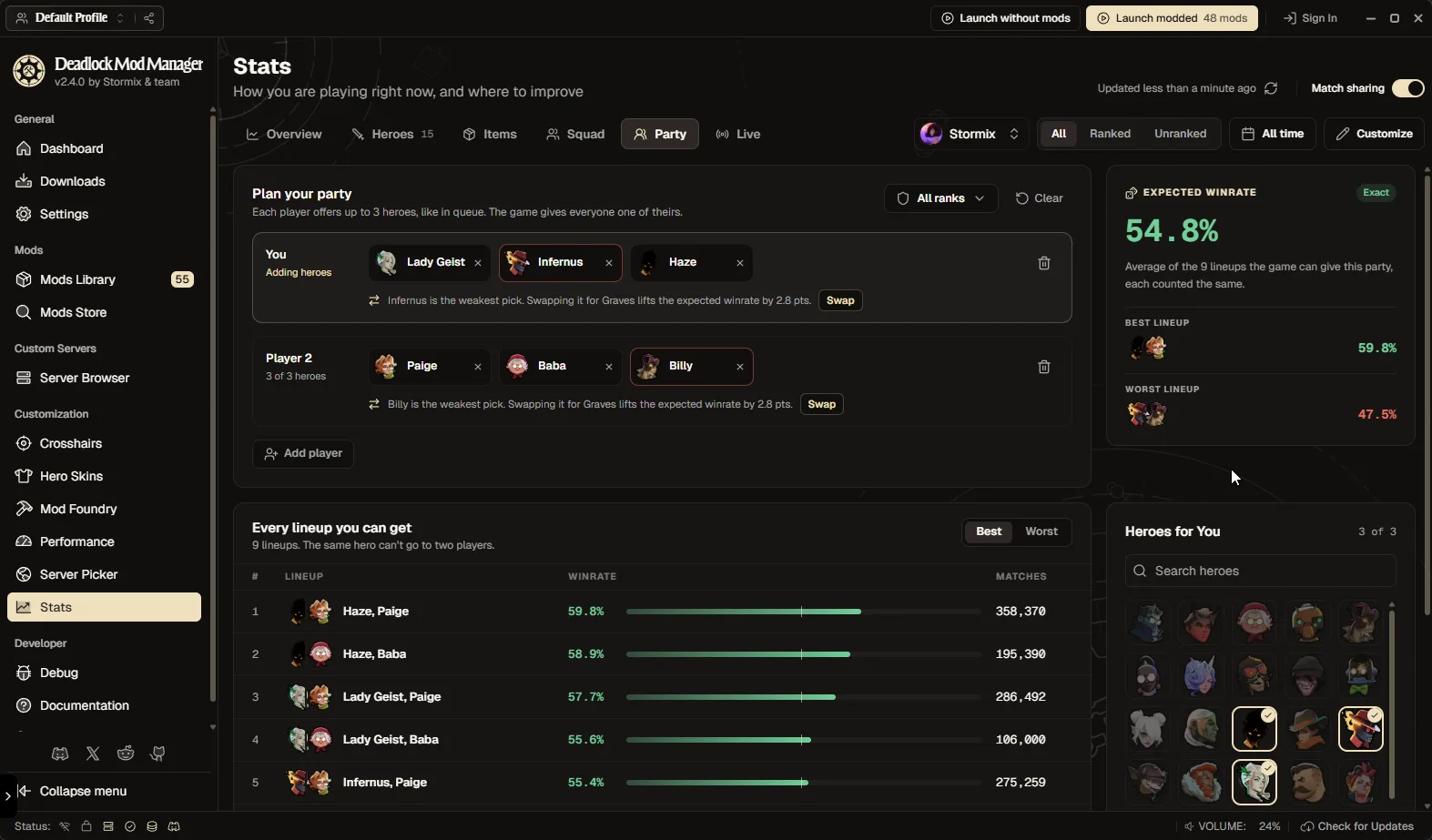
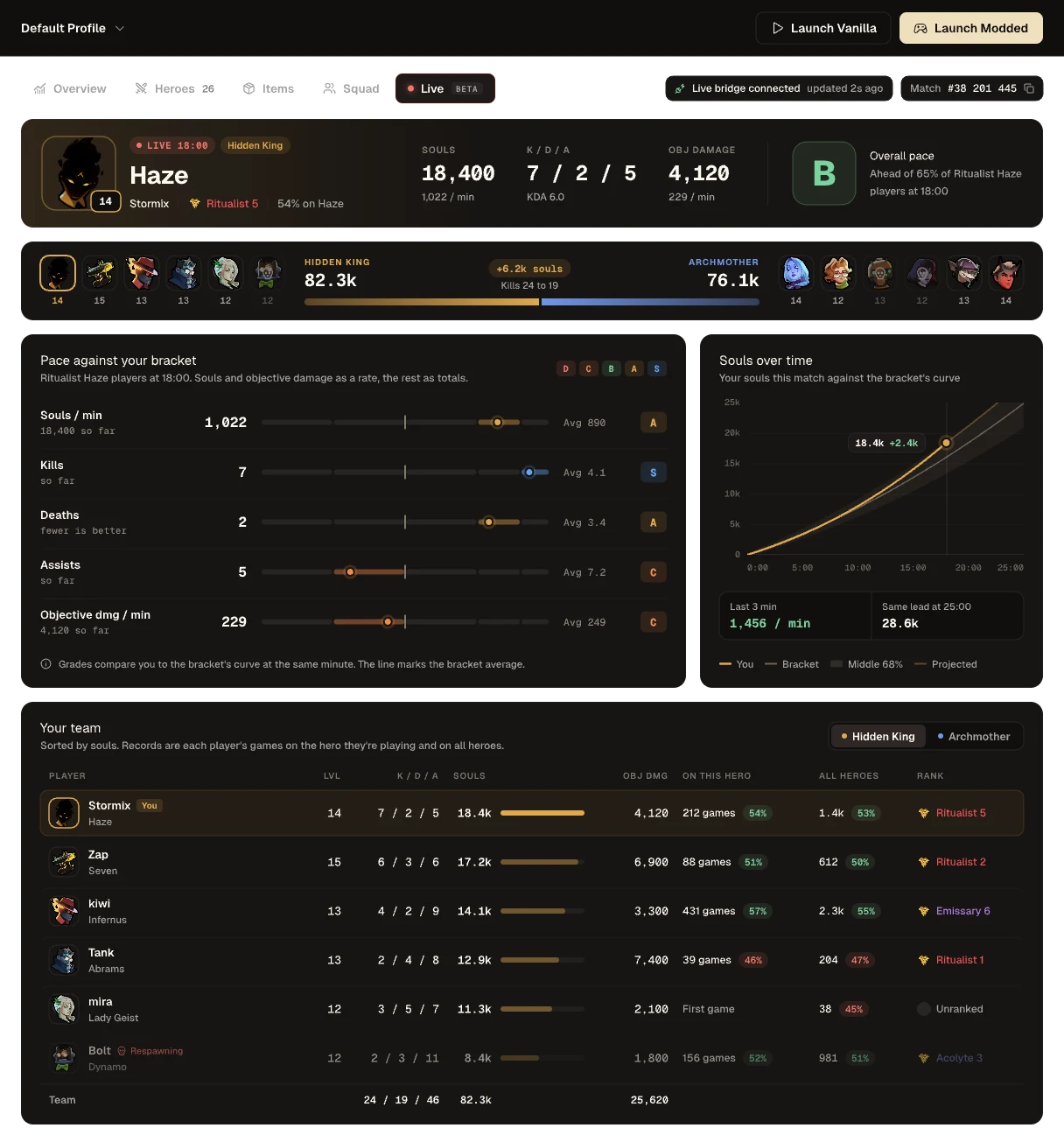
- Improve Stats dashboard and player card loading performance
- Show GameBanana preview images and likes on the Mods Store and Dashboard
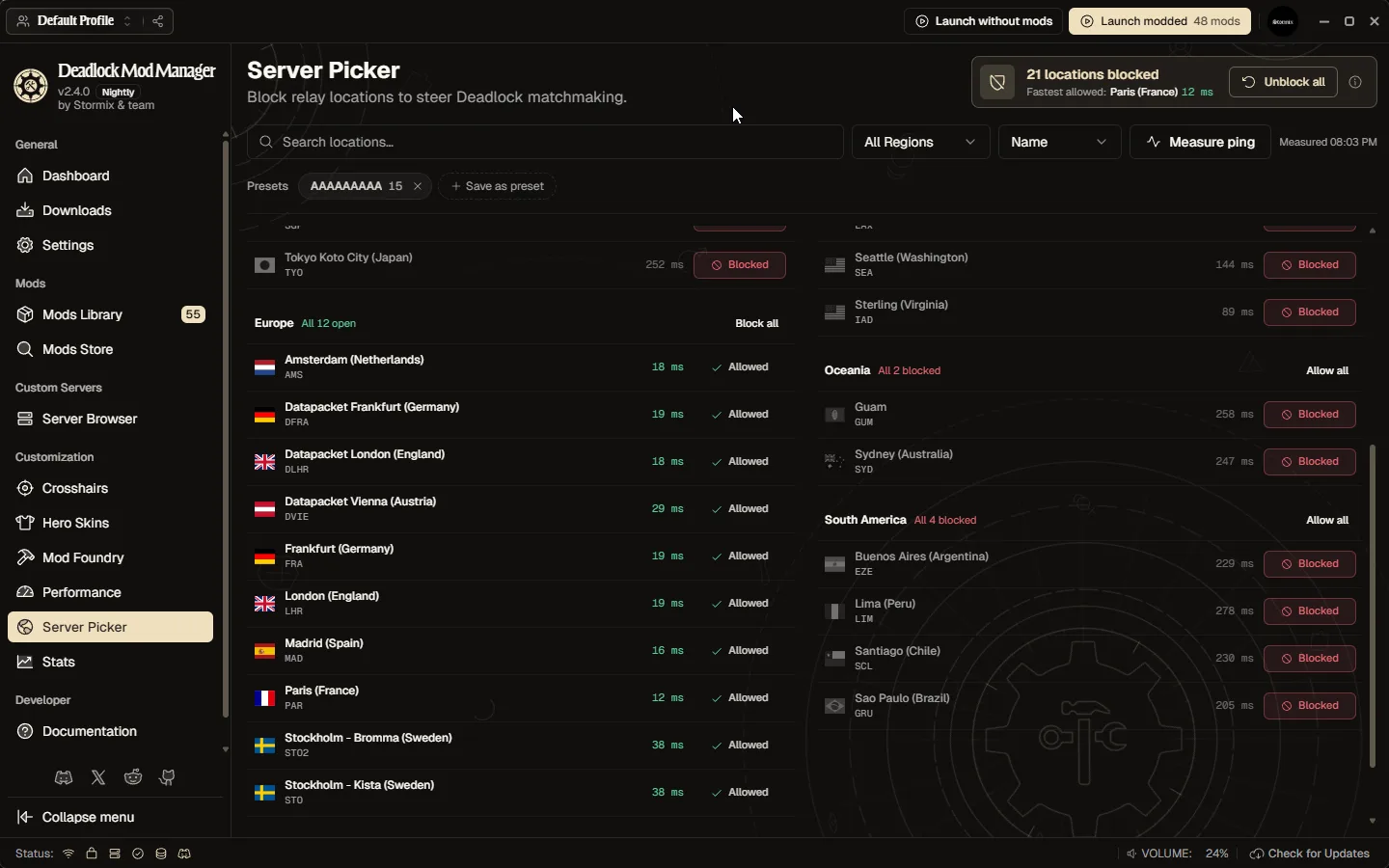
- Show Deadworks community servers with live ping and their custom maps