NewThemes, Mod Foundry & match stats

Mods for Deadlock,
minus the hassle.

Find, install and update mods in a couple of clicks. The same app handles hero skins, crosshairs and themes.

Free and open source · v1.1.0 · Windows & Linux · Signed installer

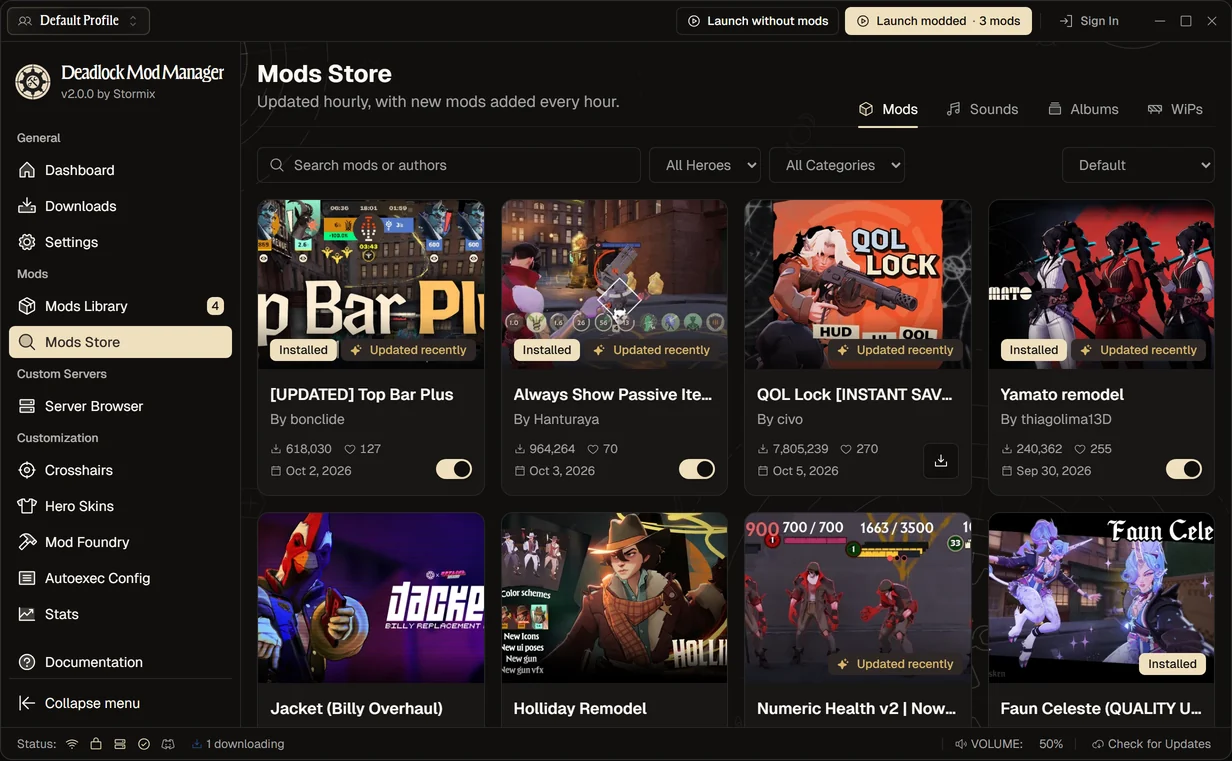
The Mods Store in Deadlock Mod Manager, with a mod downloading

Live preview

Try it before you download

This is a working copy of the app, right here on the page. Install a mod, change the theme or set up a crosshair.
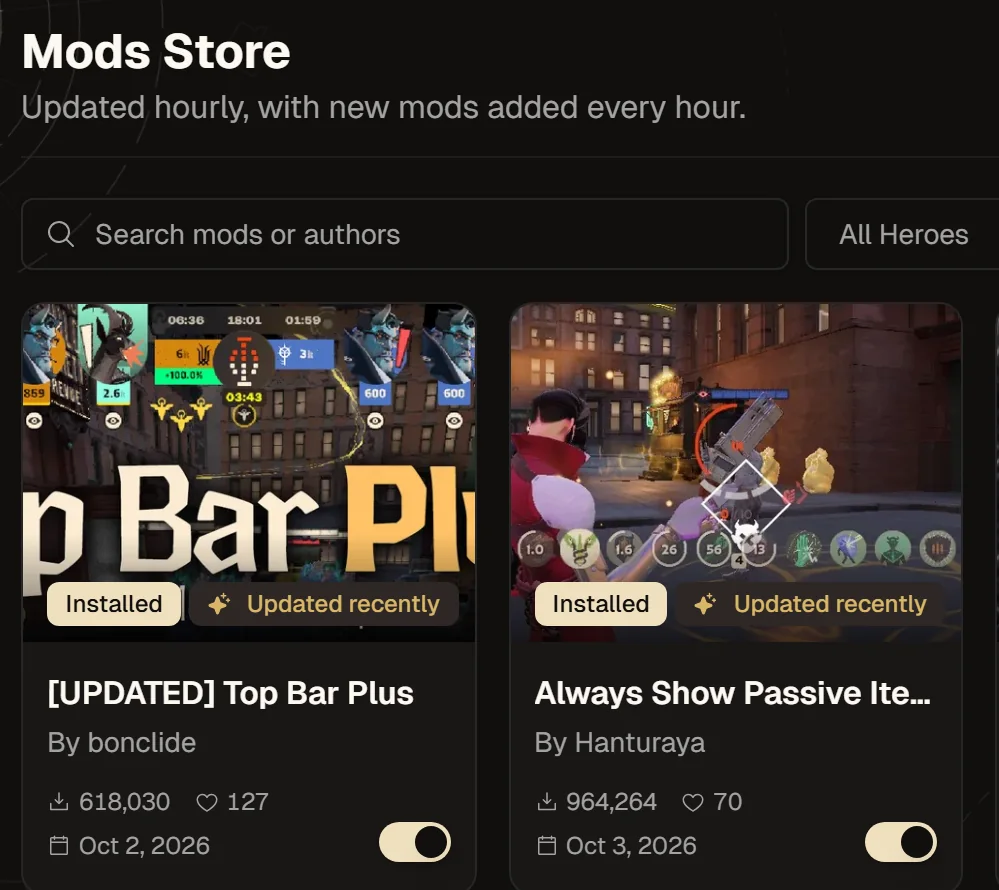
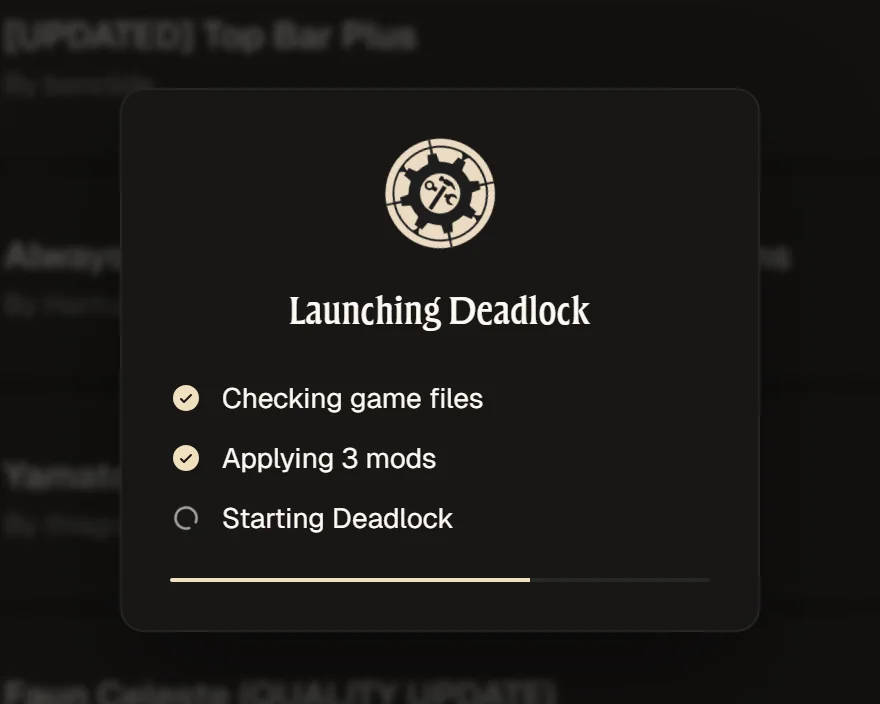
  • Find a modSearch the store, filter by hero and install with one click.
  • Launch moddedHit Launch Modded and the app applies your mods before the game starts.
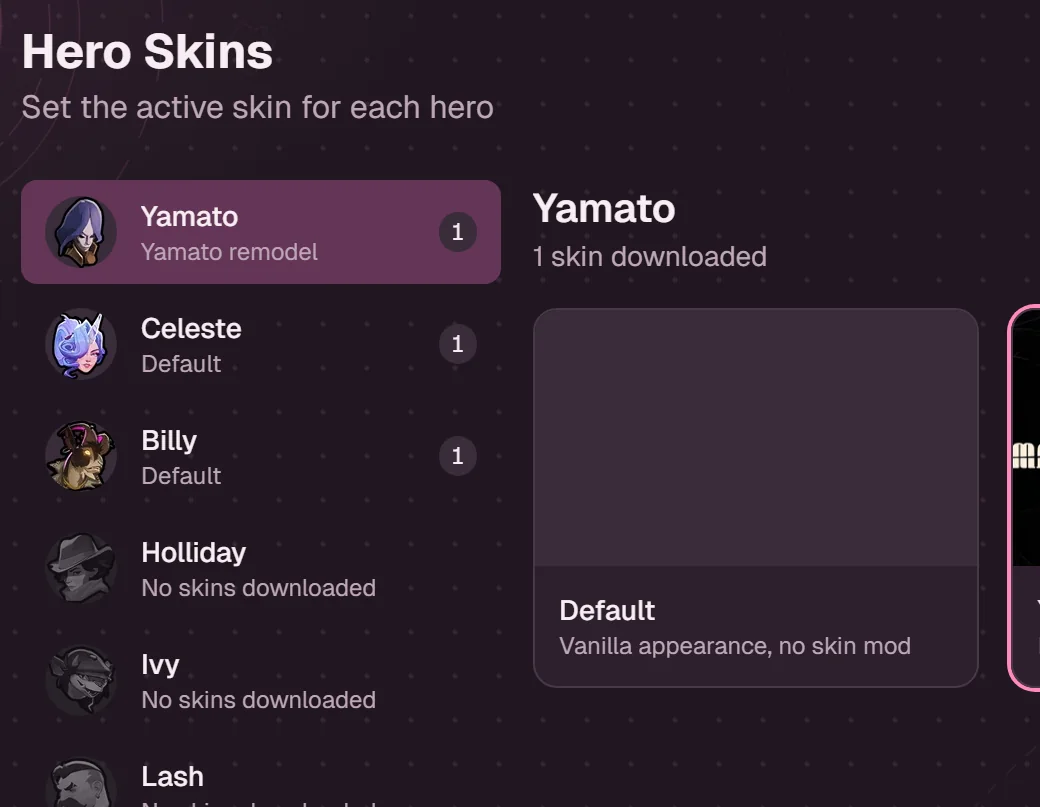
  • Make it yoursSet a skin for each hero and pick a theme for the app.

On a PC you can click through the live preview right here.

How it handles your game

What it does

  • Copies .vpk mod files into your addons folder
  • Backs up before making changes, restores in one click
  • Lets you launch vanilla any time

What it never does

  • Patches the Deadlock executable
  • Changes what other players see
  • Sends analytics unless you opt in

Open source

The code is on GitHub under GPL-3.0, and the community translates the app on Crowdin.

Change how the app looks

Pick one of the community themes, or make your own in the theme builder and share the file with friends.
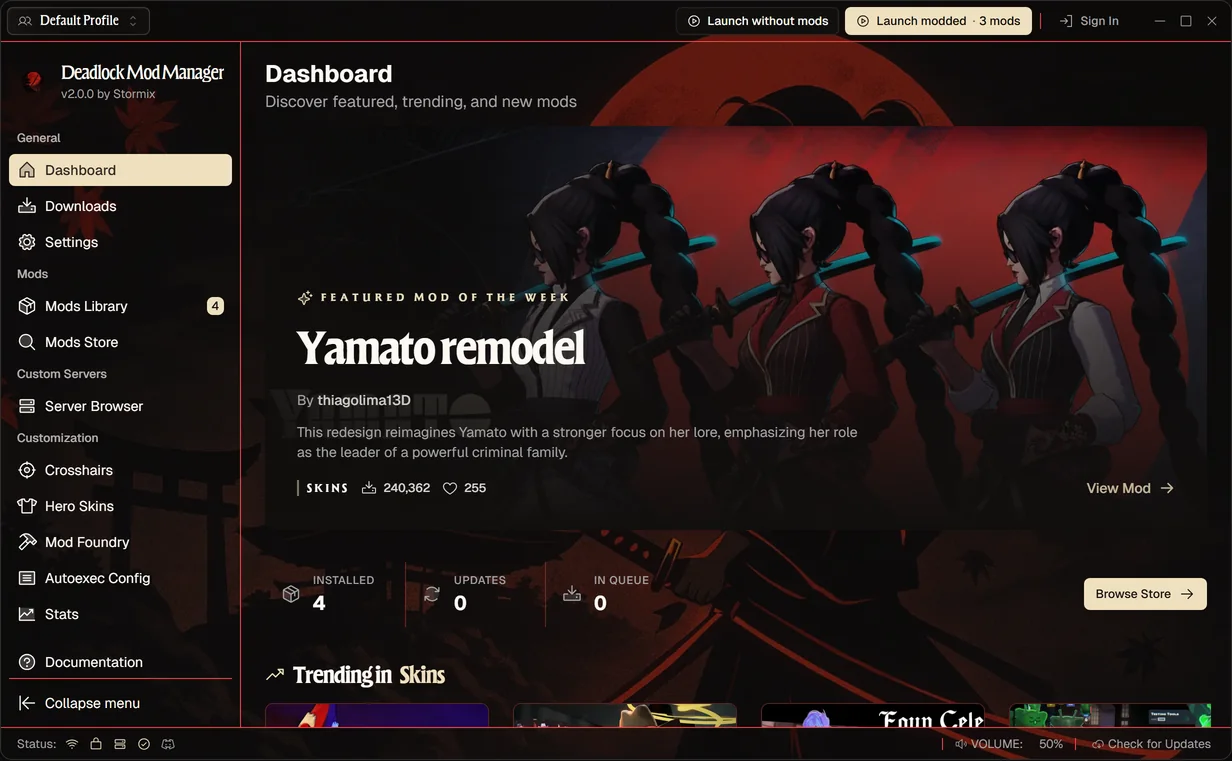
Deadlock Mod Manager in the Bloodmoon theme

A dark theme with black-red gradients and crimson accents. You'll find the theme builder in Settings.

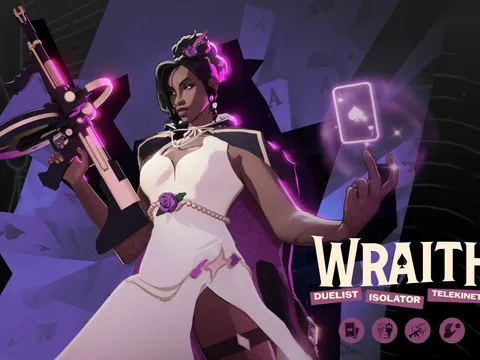
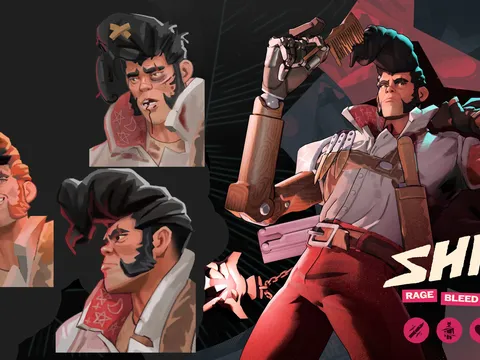
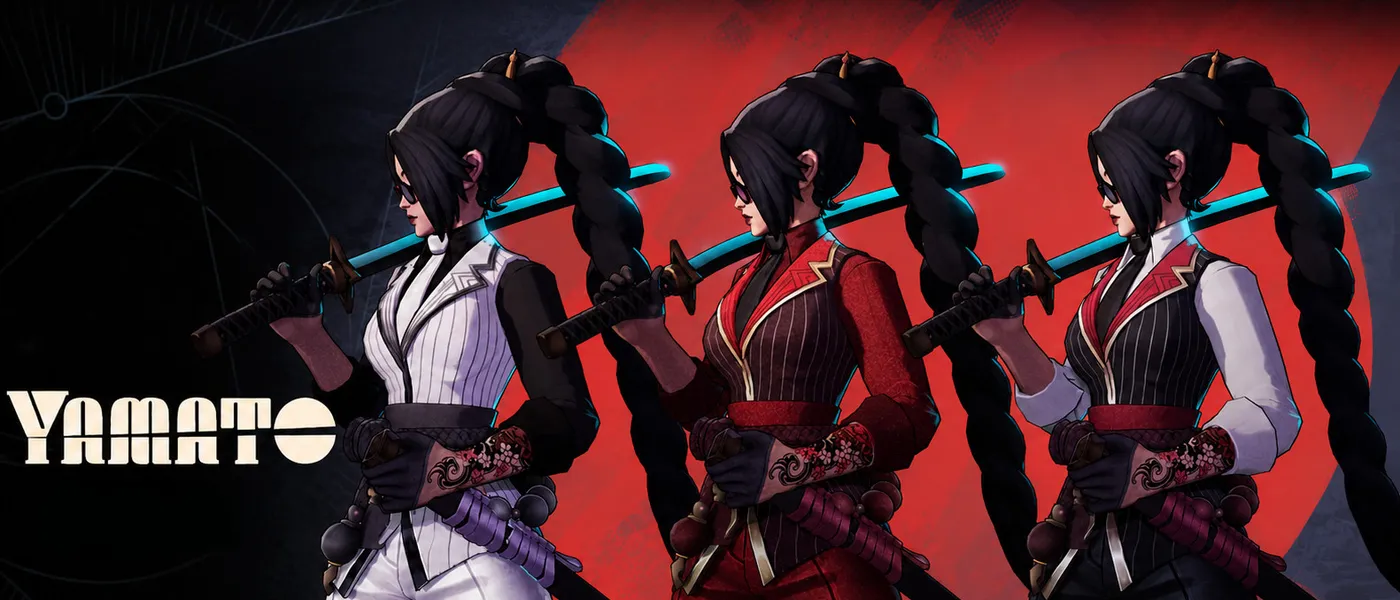
Hero skins from the community

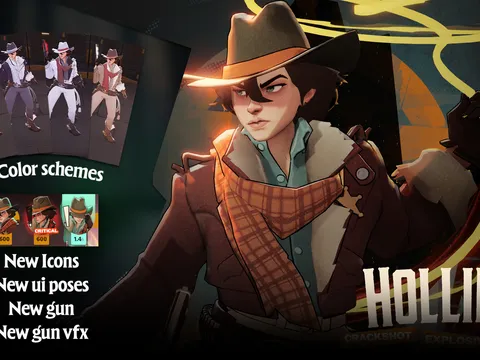
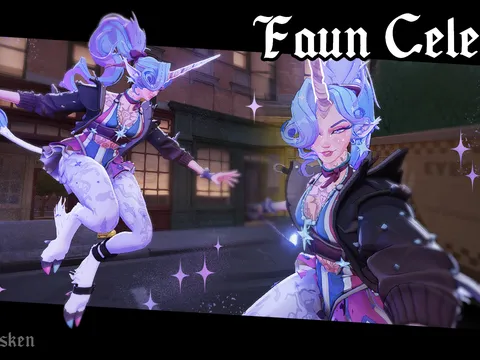
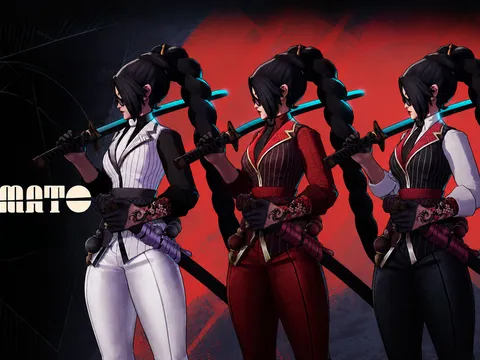
Pick a hero, check the skin in the 3D preview and apply it. Want to make your own? Import a model into the Mod Foundry. Skins are client-side only, so other players still see the default models.

How hero skins work
App downloads
879.1K+
Across every release
Registered users
136.6K
Signed up so far
Latest release
v1.1.0
Read the release notes
Price
Free
Open source since day one

Free tools on the site

Need help?

Common questions

Can't find it here? Check the docs or ask us on Discord.

What is Deadlock Mod Manager?
A small desktop app that makes Deadlock modding simple. Browse, install, and manage mods without touching your game folders.
How do I install mods?
  1. Download and open Deadlock Mod Manager.
  2. It detects Deadlock for you, or you can set the folder in Settings.
  3. Browse the Mods Store and click Download.
  4. The app installs the mod in the right place. No manual steps.
Is it safe to use mods?
The app just copies .vpk files into your game's addons folder, never patches the Deadlock executable, and backs up first so you can restore in one click or launch vanilla any time. Skins are client-side, and the mods themselves are made by the community, so stick to ones you trust.
How do I uninstall mods?
Open the Mods Library and remove what you don't want, or use Clear All Mods in Settings.
Which platforms are supported?
Windows and Linux. Arch users can also install from the AUR.
I found a bug, how do I report it?
Open an issue on our GitHub repository. Include steps to reproduce, what you expected, and what happened.
Where can I find more detailed documentation?
The documentation site has guides, tutorials, and technical reference.
Will Deadlock have official skins?
Deadlock is evolving. If official cosmetics arrive, this app will still be here for community-made options.
Can other players see my installed skins?
No. These are client-side. Other players see default models and textures.