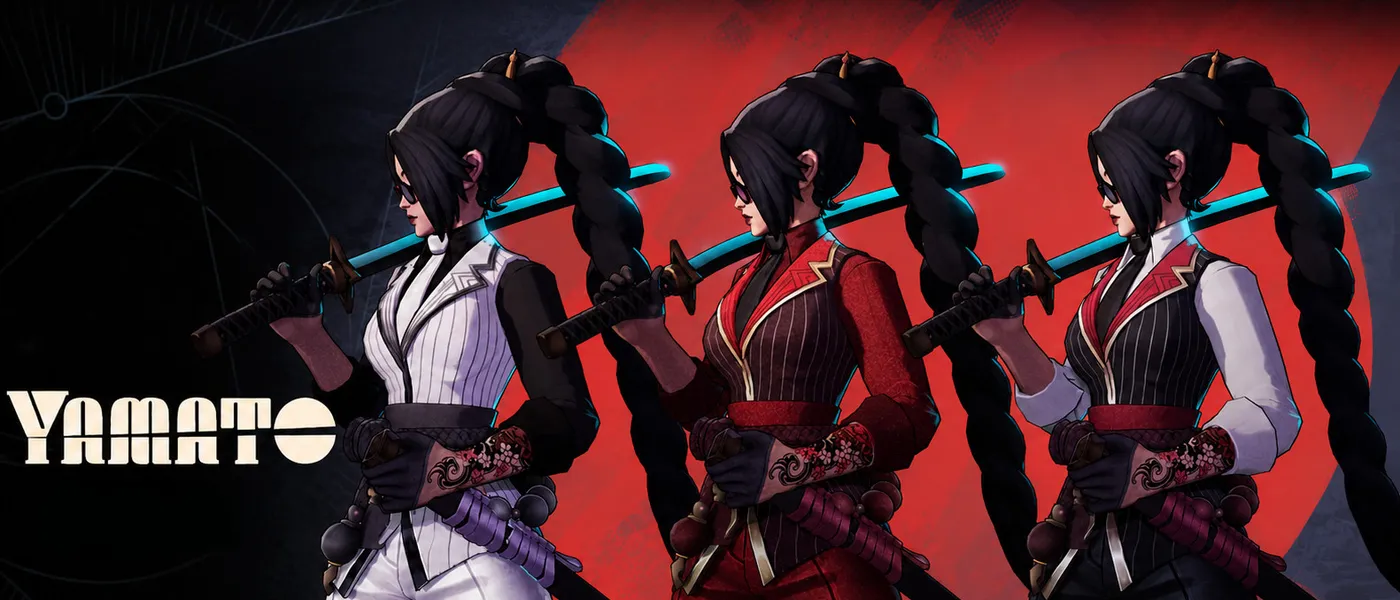
Featured mod of the week
Yamato remodel
By thiagolima13D
This redesign reimagines Yamato with a stronger focus on her lore, emphasizing her role as the leader of a powerful criminal family.
Skins240,362255
Comparison
Both apps do the job well, so pick the one you'd rather open before every match. You can try ours on this page and bring your Grimoire setup over in about a minute.
Both apps cover what most players need. We think ours has a few extras and a bit more polish, but we're biased. If you're looking for a specific feature, it's probably on this list, and both apps have it.
Deadlock Mod Manager came first. Starting in December 2024, it turned the community's manual modding know-how into one app: GameBanana installs, gameinfo.gi set up for you, and launching modded or vanilla. Over the next year it added Linux support, sound mods, shareable profiles and themes, and the community helped polish all of it.
Grimoire started in December 2025 and took plenty of cues from what worked in Deadlock Mod Manager. We took that as a compliment and pitched in. Core Deadlock Mod Manager contributors have helped build Grimoire too, which is part of why moving between the two apps is easy.
Both apps are customizable, in different ways.
Each theme is a complete look with its own colors, and most add their own artwork and sidebar logo, from the gold default to Bloodmoon's crimson. Switch with one click, or use the Background plugin to set your own image. The mod library is a dense list, which helps once you have a lot of mods.
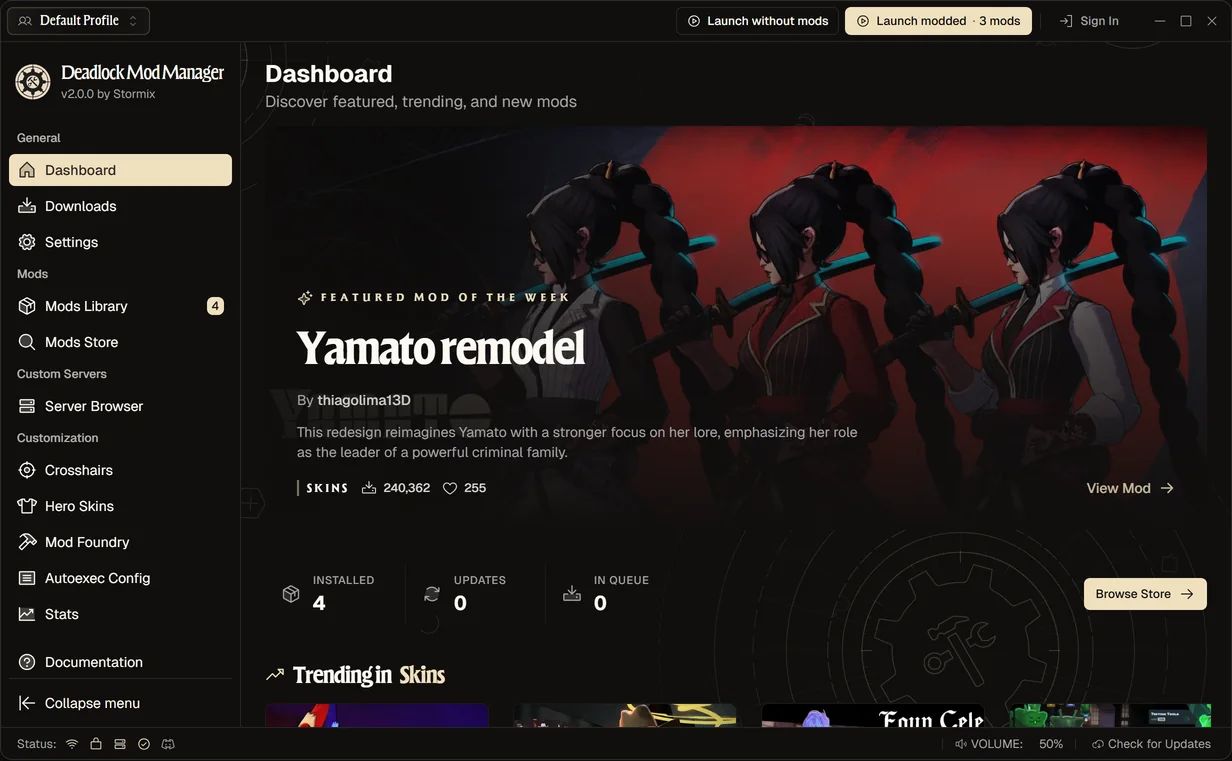
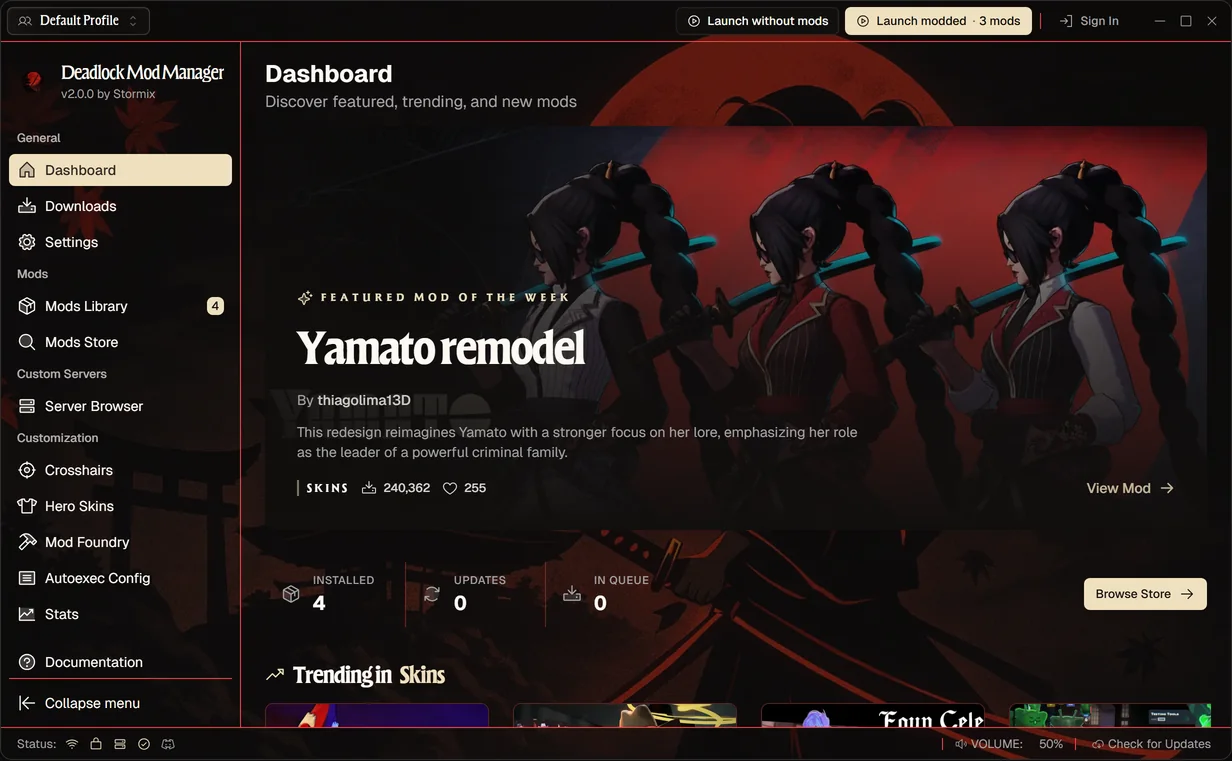
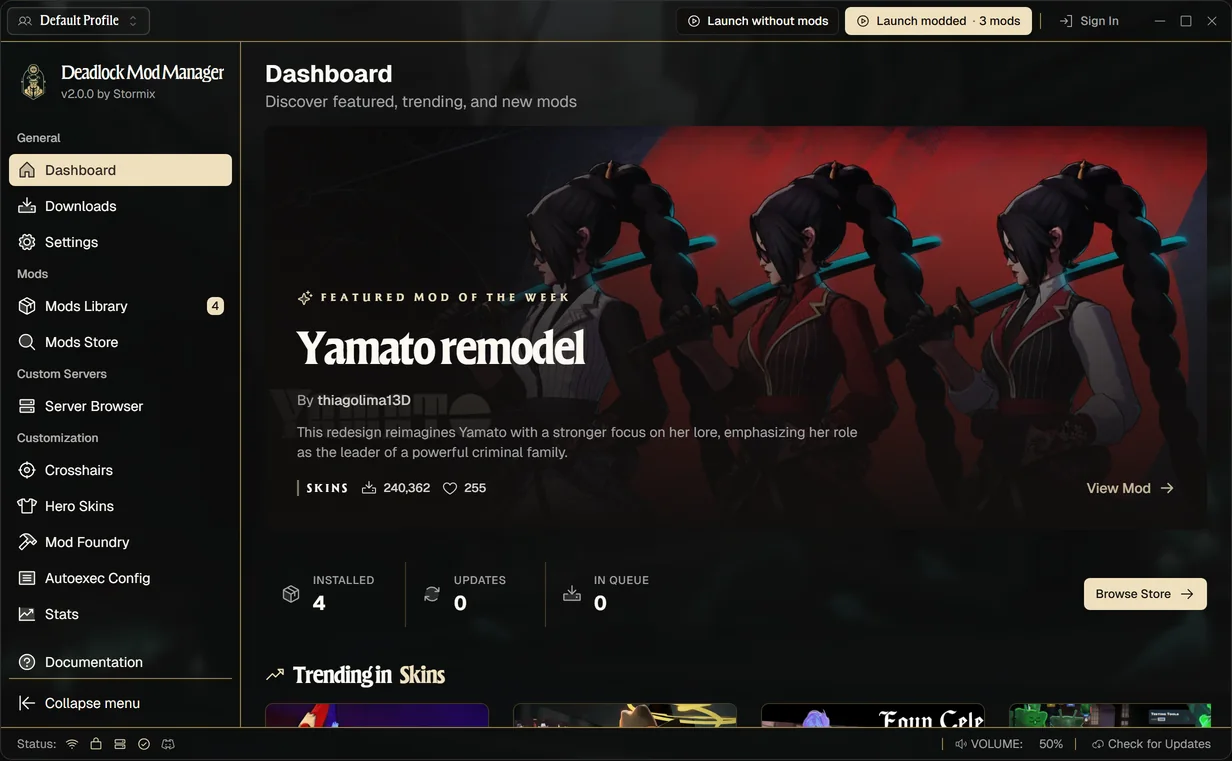
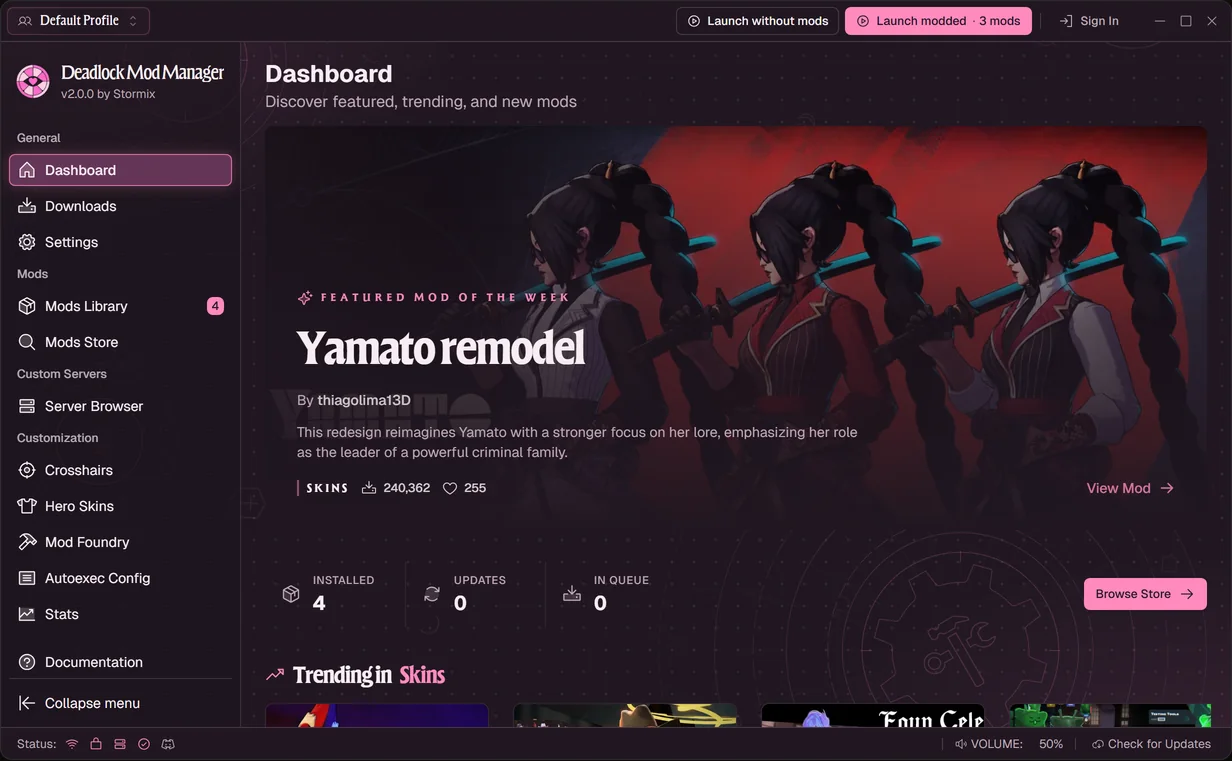
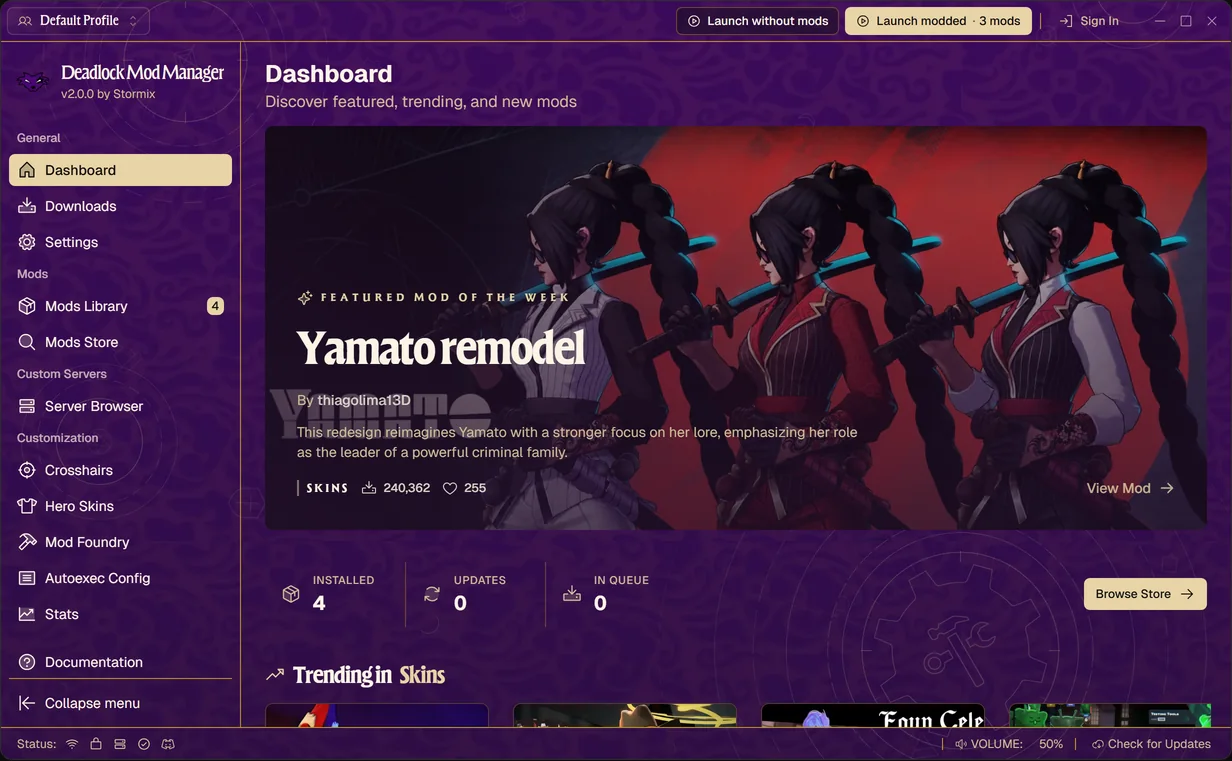
A dark interface with big image cards that you adjust piece by piece:
This is a working copy of the app. Install a mod, hit launch, or pick a theme under Settings → Themes.
Discover featured, trending, and new mods
By thiagolima13D
This redesign reimagines Yamato with a stronger focus on her lore, emphasizing her role as the leader of a powerful criminal family.
Deadlock Mod Manager imports your Grimoire library directly, so you don't reinstall mods or rebuild profiles.
Deadlock Mod Manager and Grimoire both support the open mod-interchange format. Export your mods, profiles and crosshairs from one app and import them into the other.
Changed something in Grimoire after importing? Run the import again: mods you already have are matched and updated in place, not duplicated.
Try both and keep the one you like.
Based on each project's README, docs and releases in October 2026. Spotted something out of date? Let us know.
Since Deadlock Mod Manager V2, both apps cover the same ground: GameBanana installs, conflicts and load order, shareable profiles, hero skins with 3D previews, crosshairs, autoexec and match stats. Pick the interface you like using. You can try Deadlock Mod Manager's in the live preview on this page.
No, they are separate open-source projects, but they share roots. Deadlock Mod Manager started in December 2024 and Grimoire a year later. Grimoire took cues from Deadlock Mod Manager, and several Deadlock Mod Manager contributors have since helped build Grimoire too.
Yes, in about a minute. Open the Mods Library, choose Import from other mod managers and pick Grimoire. Deadlock Mod Manager finds your Grimoire library and brings over your mods with their enabled state and load order, your profiles and your crosshairs. Nothing in Grimoire is changed.
Yes. Both apps read and write the same mod-interchange format, so you can export from Deadlock Mod Manager and import into Grimoire, or move back and forth while you decide.
Both are open source, so anyone can read the code. Deadlock Mod Manager's Windows installer is code-signed through SignPath. Grimoire's README says its Windows installers are not code-signed yet and publishes SHA256 checksums instead.
Free, open source and signed on Windows. Your Grimoire mods, profiles and crosshairs come with you.