Guide
How to install Deadlock mods
Two ways to mod Deadlock: let Deadlock Mod Manager handle it in a couple of clicks, or set up the addons folder by hand. Both work; the app also keeps your mods updated and easy to undo.
Install mods with Deadlock Mod Manager
The fastest way, and the one we recommend. Takes about two minutes the first time.
Let it find Deadlock
The app detects your Steam install. If you keep Deadlock in another library, set the folder in Settings.Pick mods
Open the Mods Store, search or filter by hero and category, and click Download.Launch modded
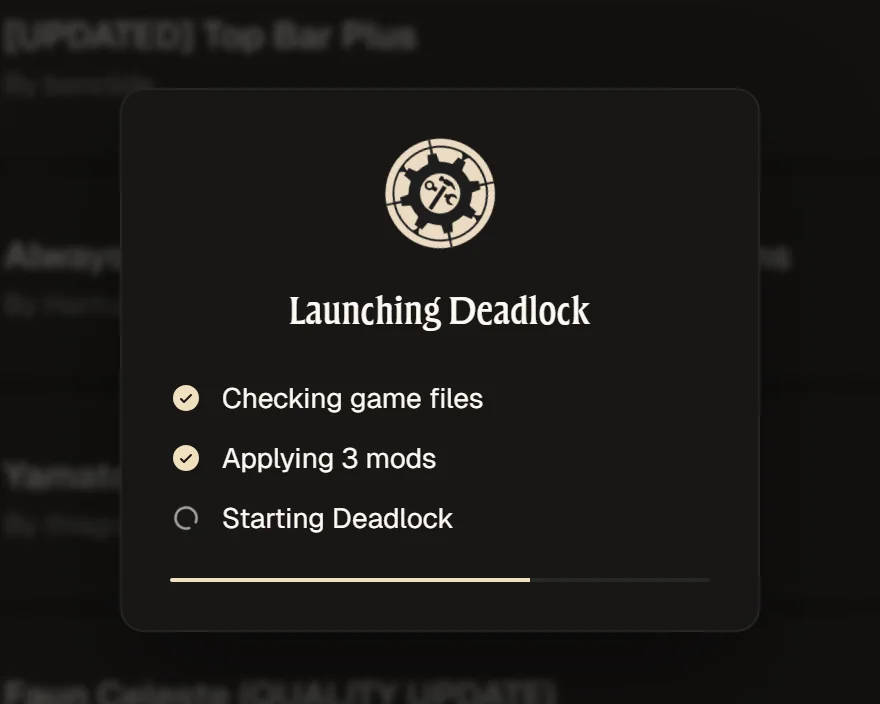
Hit Launch modded. The app enables your mods and sets up gameinfo.gi before the game starts.
Install mods manually
If you'd rather not use a mod manager, this is what it does for you.
- Download a mod from GameBanana and extract the archive. You need the
.vpkfile inside, usually named likepak01_dir.vpk. - Open your Deadlock folder and go to
game/citadel. Create anaddonsfolder there if it doesn't exist. - Copy the
.vpkintogame/citadel/addons. Each mod needs its own number, so rename files that clash:pak01_dir.vpk,pak02_dir.vpk, and so on. When two mods change the same file, the number decides which one loads. - Open
game/citadel/gameinfo.giin a text editor. In theSearchPathsblock, add these two lines right aboveWrite citadel:Game citadel/addons Mod citadel
- Save the file and start Deadlock. Steam's "Verify integrity of game files" and some game updates reset
gameinfo.gi, so you'll need to add the lines again after those.
That last step is the usual reason mods "stop working" after a patch. The app re-applies it every time you launch modded, and can remove it when you quit so launching from Steam stays vanilla.
After installing
- Conflicts: two mods that change the same files can't both win. The app warns you and lets you change the load order.
- Updates: check for mod updates from the Mods Library after a Deadlock patch.
- Profiles: keep separate setups (say, a skins-only profile) and share them with friends using a Profile ID.
- More detail lives in the getting started docs.
Questions
How do I mod Deadlock?
Install Deadlock Mod Manager, let it find your game, then download mods from the Mods Store and hit Launch modded. The app handles the addons folder and gameinfo.gi for you.
Where is the Deadlock addons folder?
Inside your Deadlock install at game/citadel/addons. On Windows that's usually C:\Program Files (x86)\Steam\steamapps\common\Deadlock\game\citadel\addons. Create the addons folder if it doesn't exist.
Why do I need to edit gameinfo.gi?
Deadlock only loads files from the addons folder when gameinfo.gi lists it as a search path. Without that line the game ignores your mods. Deadlock Mod Manager adds it when you launch modded.
How do I uninstall Deadlock mods?
In the app, remove mods from the Mods Library, or use Clear All Mods in Settings. To play without mods temporarily, choose Launch without mods. By hand, delete the .vpk files from the addons folder.
Can I install Deadlock mods on Linux or Steam Deck?
Yes. Deadlock Mod Manager runs on Linux, including Steam Deck in Desktop Mode, and is available from our APT repository, as a .deb, RPM or Flatpak, on the AUR and in nixpkgs.
Related guides
Skip the manual steps
Deadlock Mod Manager does all of this for you, and undoes it just as easily. Free and open source.