Deadlock skins
Custom skins for every Deadlock hero
Remodels, recolors and full overhauls made by the community. Deadlock Mod Manager groups them by hero, shows them in 3D and swaps them in a click.
Popular hero skins
Community skins from the Mods Store. Each card opens the skin on GameBanana; install it from the app.
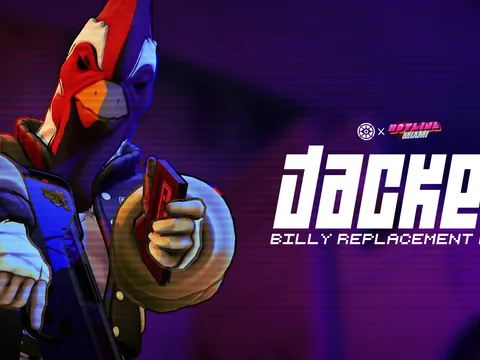
 Jacket (Billy Overhaul)Billy skin by amperesevere · 762K downloads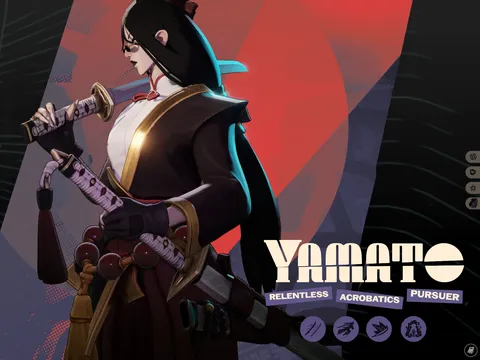
 Yamato redesign (NEW ICONS and COLORS!)Yamato skin by Kirill Senzu · 672K downloads
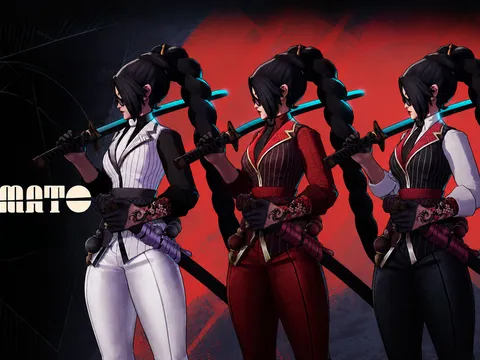 Yamato remodelYamato skin by thiagolima13D · 240K downloads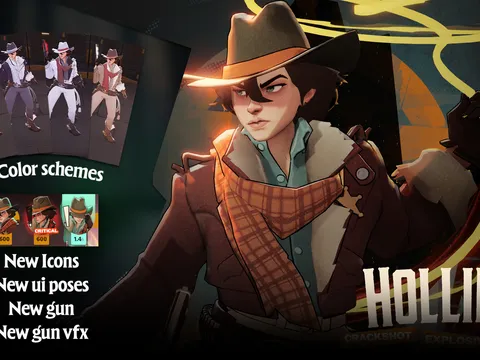
 Holliday RemodelHolliday skin by Kirill Senzu · 238K downloads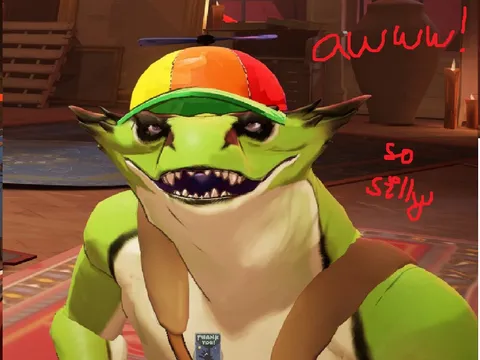
 Vyper Propeller HatVyper skin by chipmajor · 219K downloads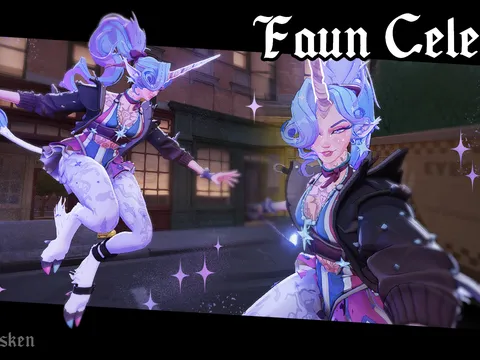
 Faun Celeste (QUALITY UPDATE)Celeste skin by basilisken · 207K downloads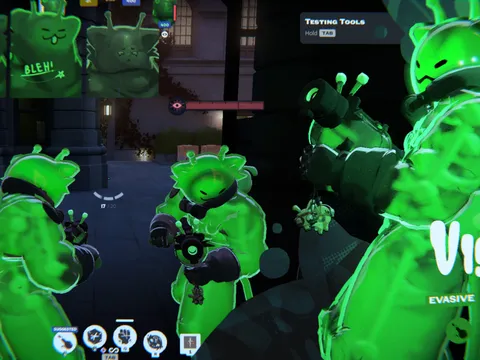
 glorpyViscousViscous skin by sodaspheal · 204K downloads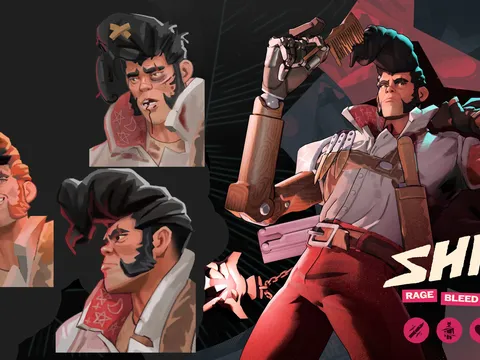
 Shiv Refresh (CITY NEVER SLEEPS)Shiv skin by PloobisMDL · 185K downloads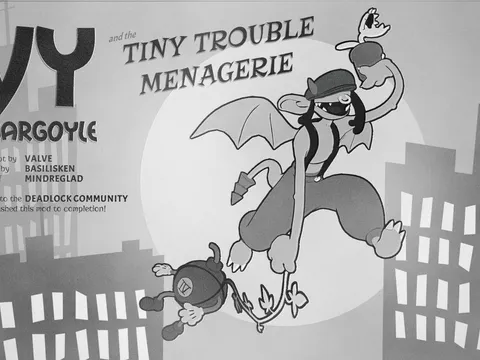
 Toon Ivy (SOUL ORB FIX)Ivy skin by basilisken · 178K downloads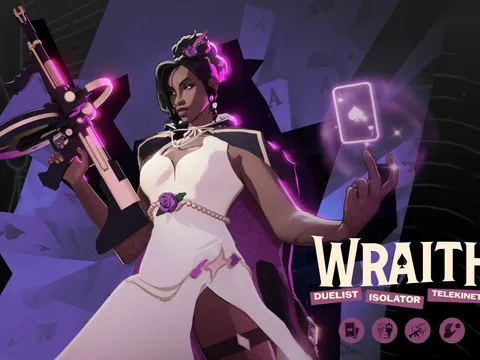
 Formal WraithWraith skin by ticoslay · 176K downloads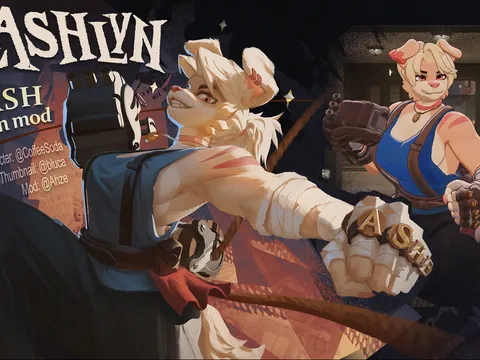
 Lashlyn Lash SkinLash skin by Ahzealion · 175K downloads
Snapshot from October 2026. Download counts come from GameBanana.
How to install a Deadlock skin
Get Deadlock Mod Manager
Install it on Windows or Linux. It detects your game folder on its own.Filter by hero
In the Mods Store, include the Skins category and the hero you play.Download the skin
If the skin comes in several styles, pick the variant you want.Set it in Hero Skins
Choose the active skin for that hero, check it in the 3D preview, then hit Launch modded.
Make your own skin
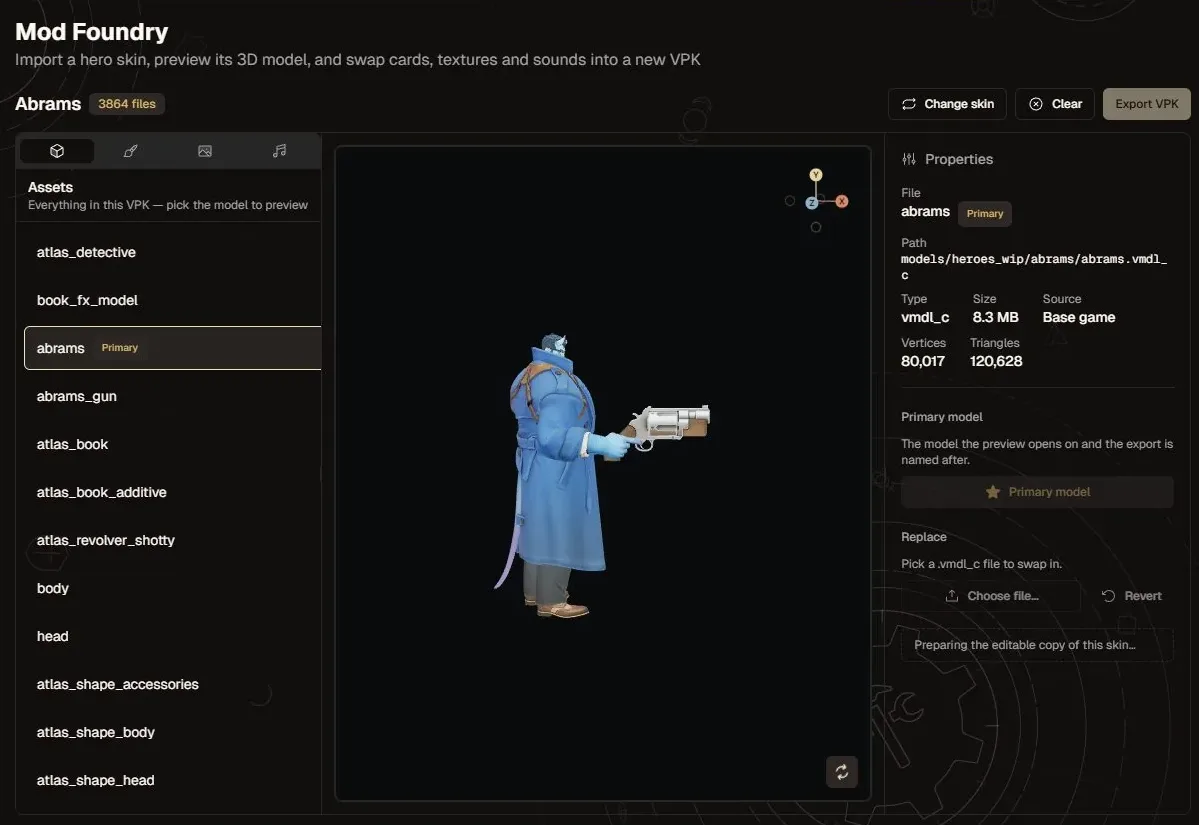
The Mod Foundry loads a hero model from the base game or from a skin you own. Paint it, swap sounds, preview it in 3D and export a ready-to-install mod.
Exports can be saved as a file, added to your library as a new mod, or replace the skin you started from (the original is kept as a backup). Read the Mod Foundry guide.
Questions
How do I get skins in Deadlock?
Deadlock has no skin shop yet, so skins come from the modding community on GameBanana. Install Deadlock Mod Manager, filter the Mods Store by Skins and your hero, download a skin, then pick it in Hero Skins.
Can other players see my Deadlock skins?
No. Skins are client-side. You see the new model, everyone else sees the default one.
Are Deadlock skins free?
Yes. Community skins on GameBanana are free, and so is Deadlock Mod Manager.
How do I go back to a hero's default skin?
Open Hero Skins, pick the hero and choose the default appearance. The skin stays downloaded, so you can switch back later.
Can I use more than one skin for the same hero?
One skin is active per hero at a time, and the app warns you if two would clash. You can also give a hero several skins and get a random pick on every launch.
Will Deadlock have official skins?
Valve hasn't released official cosmetics yet. If they arrive, community skins will still be available through the app.
Related guides
Give your hero a new look
Free and open source, for Windows and Linux. Skins are client-side, and the default model is always one click away.